PLAYER
Registrations
A Registration is a file that contains all the information about the instrument current state. You can
save the current state (volumes, current sounds, loaded text files, settings etc.) to a file with
extension .srg and then recall it later when you need it. You can also save the current selected song,
Rhythm or Stem Project and all the ACCORDION parameters defined in the ACCORDION page.
Save a Registration
When you save a Registration, in addition to all the other settings, you will also save if you were in
PLAYER mode, STEM mode or DRUM mode.
• Press SAVE to save a Registration.
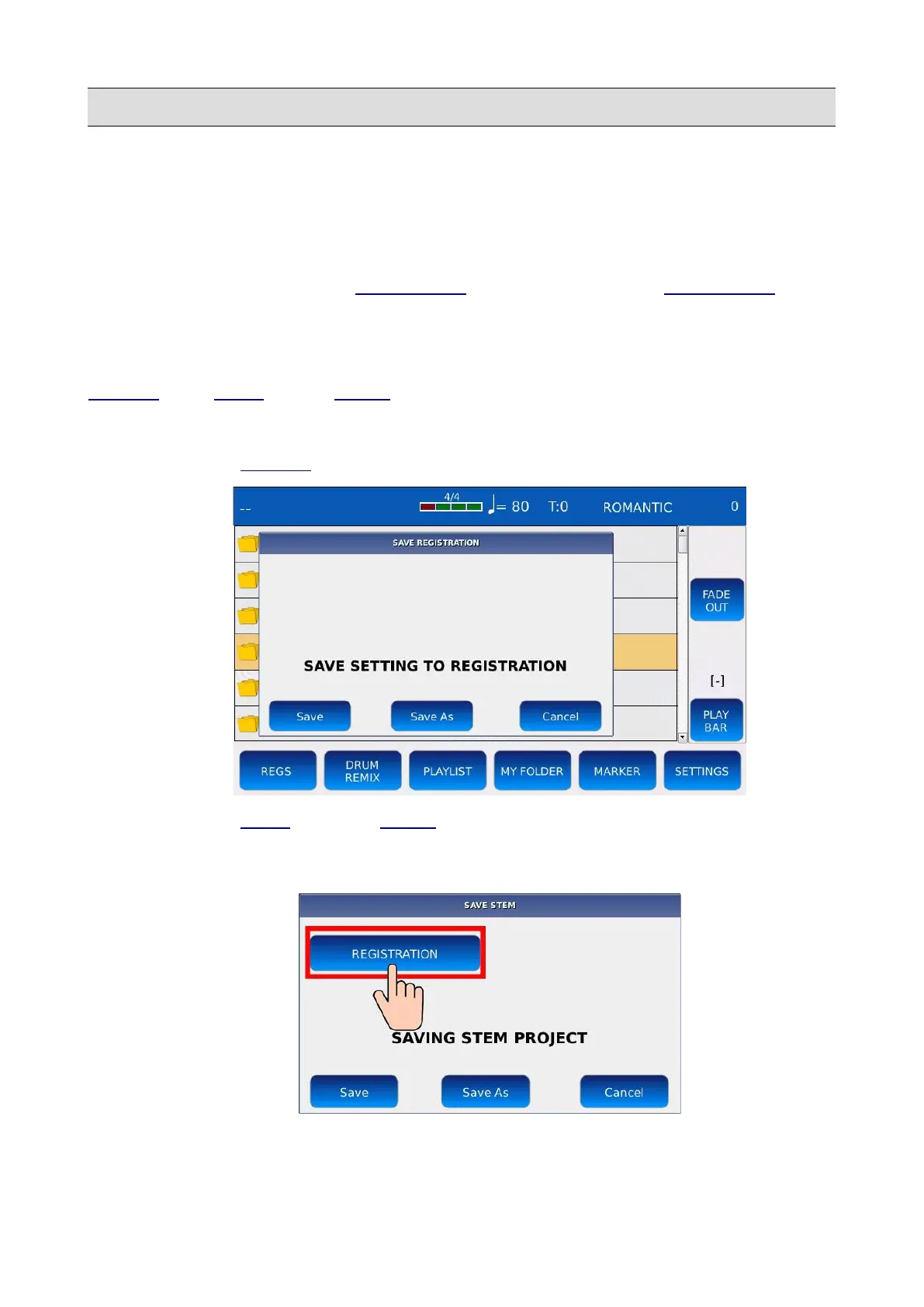
• If you are in PLAYER mode, the following pop up will be displayed on screen:
• If you are in STEM mode or in DRUM mode, a slightly different pop up will be displayed
on screen. You have to tap on the REGISTRATION button to save the Registration,
otherwise you will save a Rhythm or a Stem Project.
56 - KETRON - LOUNGE



 To Next Page