PLAYER
Global search
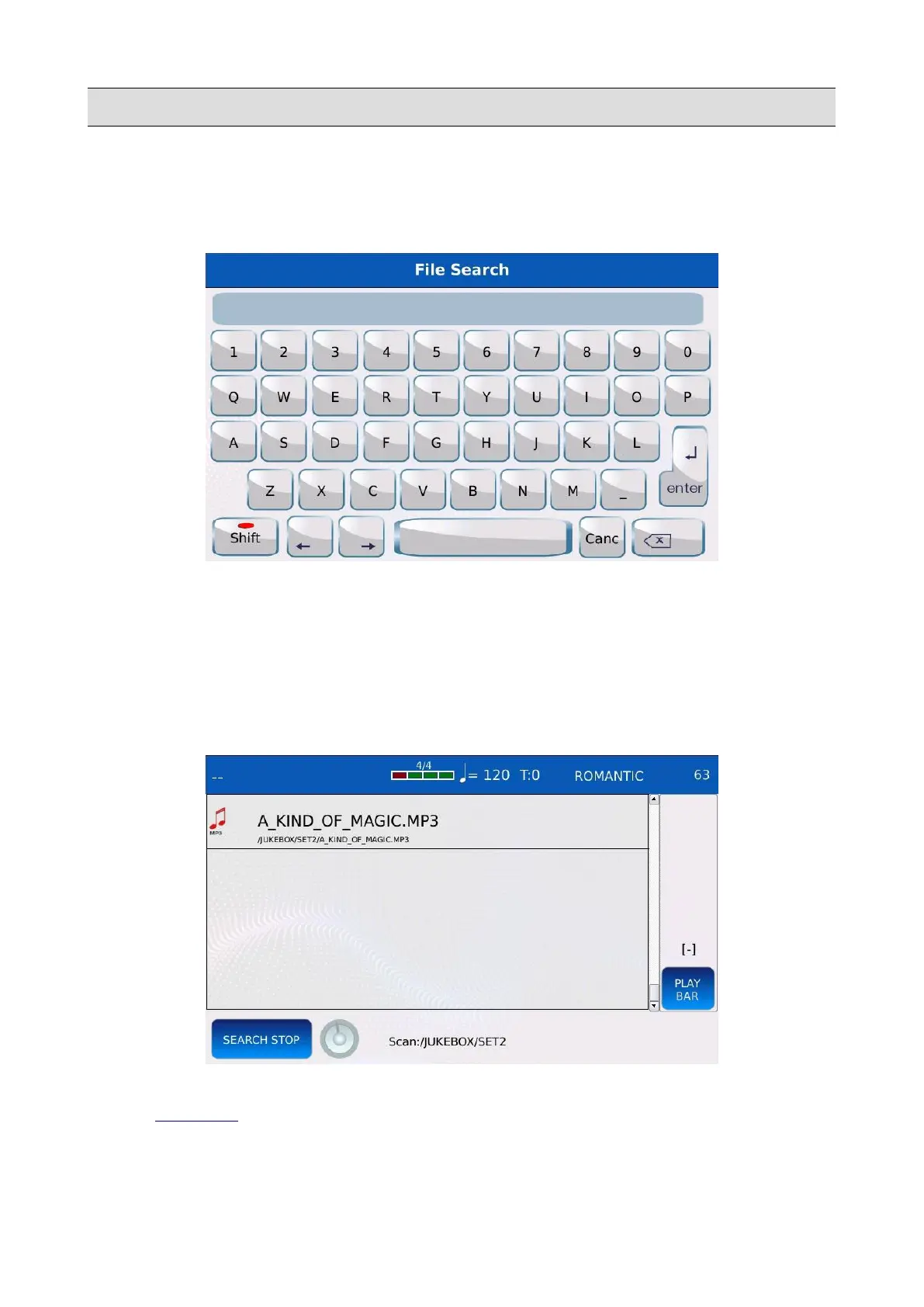
• Tap on the virtual alphanumeric keyboard on the left of the SEARCH page. The
alphanumeric keyboard will be displayed on screen.
• Compose on the virtual keys the name of the file or the title of the song to find. For
example, if you want to find all files containing the word “MAGIC”, you would type m-a-g-
i-c on the virtual keys.
• Press ENTER and wait until the operation is complete. A list of items matching the string
composed will appear on screen, along with the corresponding path.
• Press EXIT or SEARCH to quit the search.
NB: the path of the files will be displayed only if the number of items displayed on screen is five or
less (see SETTINGS to know more about this).
NB: the search is not case sensitive.
KETRON - LOUNGE 53



 To Next Page