MEDIA
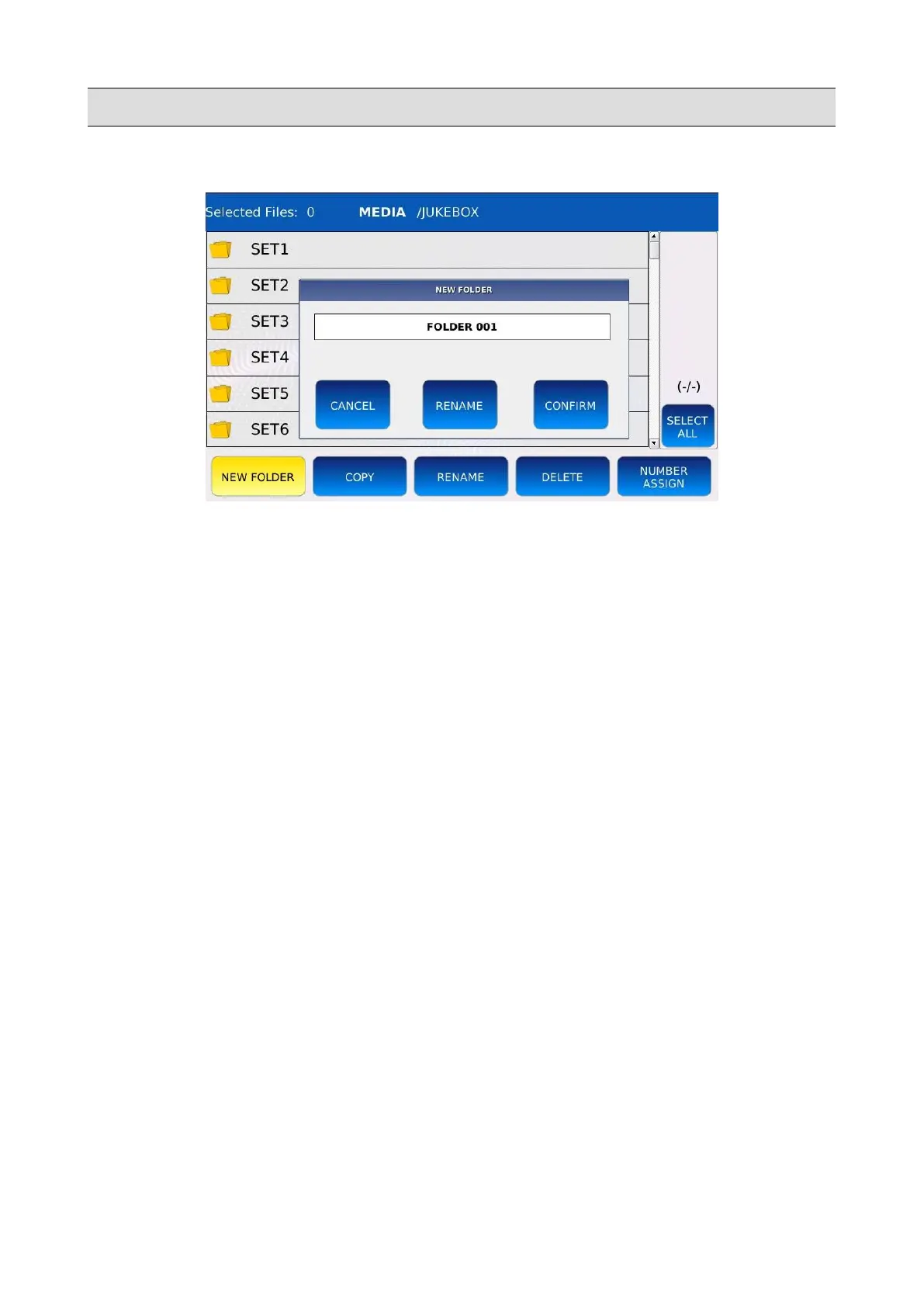
Create a new folder
• Tap on the NEW FOLDER button to create a new folder in the current directory. The name
“FOLDER 001” is assigned by default.
• Tap on CONFIRM to proceed with the creation of the folder. If a folder with the same name
already exists, an error message will be displayed on screen.
• Tap on the RENAME button to assign a different name to the new folder. A virtual
alphanumeric keyboard will appear on screen. Compose the new name and then tap on
ENTER.
• Tap on CANCEL to cancel the new folder creation operation.
66 - KETRON - LOUNGE



 To Next Page