STEM
Play a Stem Project
• Press START to play the audio tracks of the selected scene. Muted (greyed out) tracks will
not play.
• Press again START to stop.
• Press TEMPO and use the Value Dial to adjust the tempo (BPM). It is strongly
recommended to write the BPM value of the audio track at the end of the file name,
similarly to REAL DRUMS. When an audio file with the tempo information in the name is
loaded, the Stem Project tempo will be set to the tempo of the loaded track.
• Press TRANSPOSE and use the Value Dial to change the pitch of the audio tracks (fixed
tracks will not be affected by the transposition).
• Tap on one of the SCENE buttons to load another scene. The scene will change at the end of
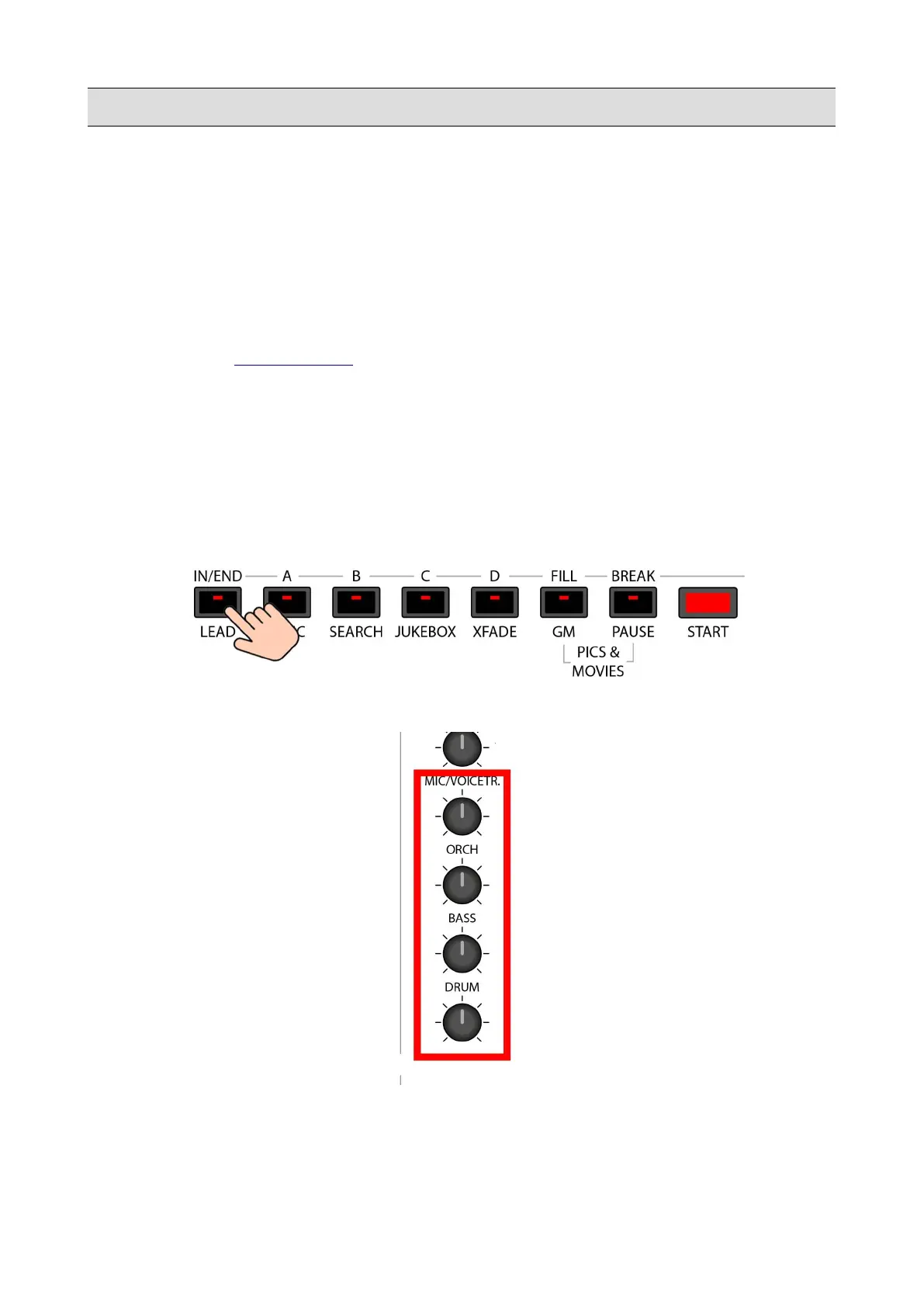
the current measure. You can change scene by pressing the A, B, C and D buttons on the
FRONT PANEL.
• Press the LEAD button on the FRONT PANEL to mute or unmute the lead track.
• Use the last four potentiometers on the FRONT PANEL to adjust the volume of the first four
tracks.
100 - KETRON - LOUNGE



 To Next Page