DRUM
Settings
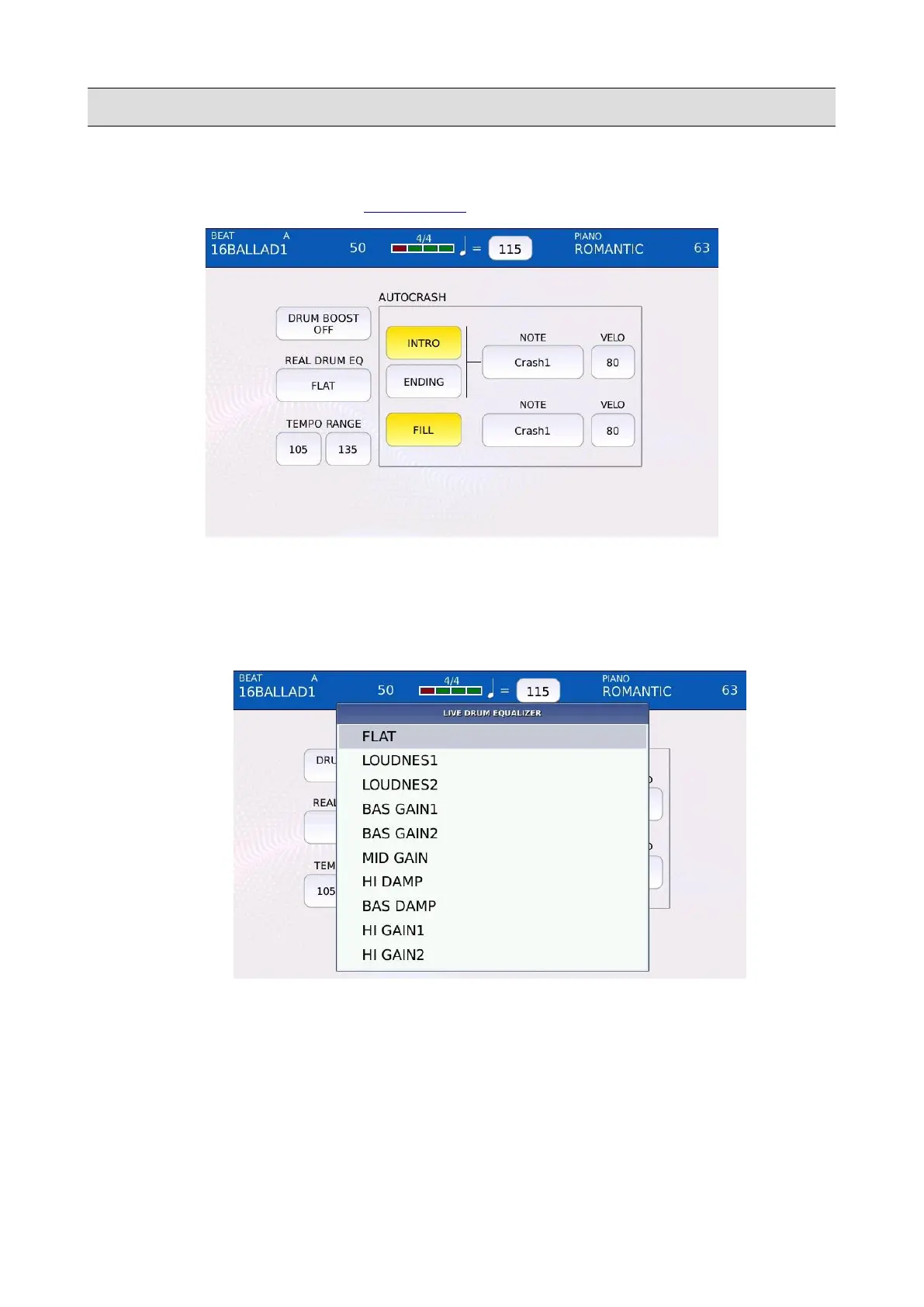
Tap on the SETTINGS button of the DRUM EDIT page to open the DRUM SETTING page.
• DRUM BOOST ON/OFF: increases the volume of all DRUM parts.
• REAL DRUM EQ: set an equalizer for the REAL DRUM part. You can choose between
FLAT, LOUDNESS 1, LOUDNESS 2, BASS GAIN 1, BASS GAIN 2, MID GAIN, HI
DAMP, BASS DAMP, HI GAIN 1 and HI GAIN 2.
• TEMPO RANGE: defines the lower and upper limit for tempo changes.
• AUTOCRASH: if enabled, plays a single note of one of the drum cymbals when the
corresponding arrangement is played:
◦ INTRO: enables or disables the autocrash for the intro part.
◦ ENDING: enables or disables the autocrash for the ending part.
96 - KETRON - LOUNGE



 To Next Page