GETTING STARTED
• GM: (PLAYER only) displays the GM page. Use to manage the sounds assigned to the
tracks of a MIDI file.
• PICS&MOVIES: (PLAYER only) press EXIT and ENTER simultaneously to display the
PICS&MOVIES page. Use to scroll through video files and images.
• IN/END: (DRU M only) use to play the intro (if the DRUM is stopped) or the ending (if the
DRUM is playing) of a DRUM Rhythm.
• A: (DRU M only) use to play variation A of a DRUM Rhythm.
• B: (DRU M only) use to play variation B of a DRUM Rhythm.
• C: (DRU M only) use to play variation C of a DRUM Rhythm.
• D: (DRU M only) use to play variation D of a DRUM Rhythm.
• FILL: (DRU M only) use to play a fill based on the current variation.
• BREAK: (DRU M only) Use to play a break based on the current variation.
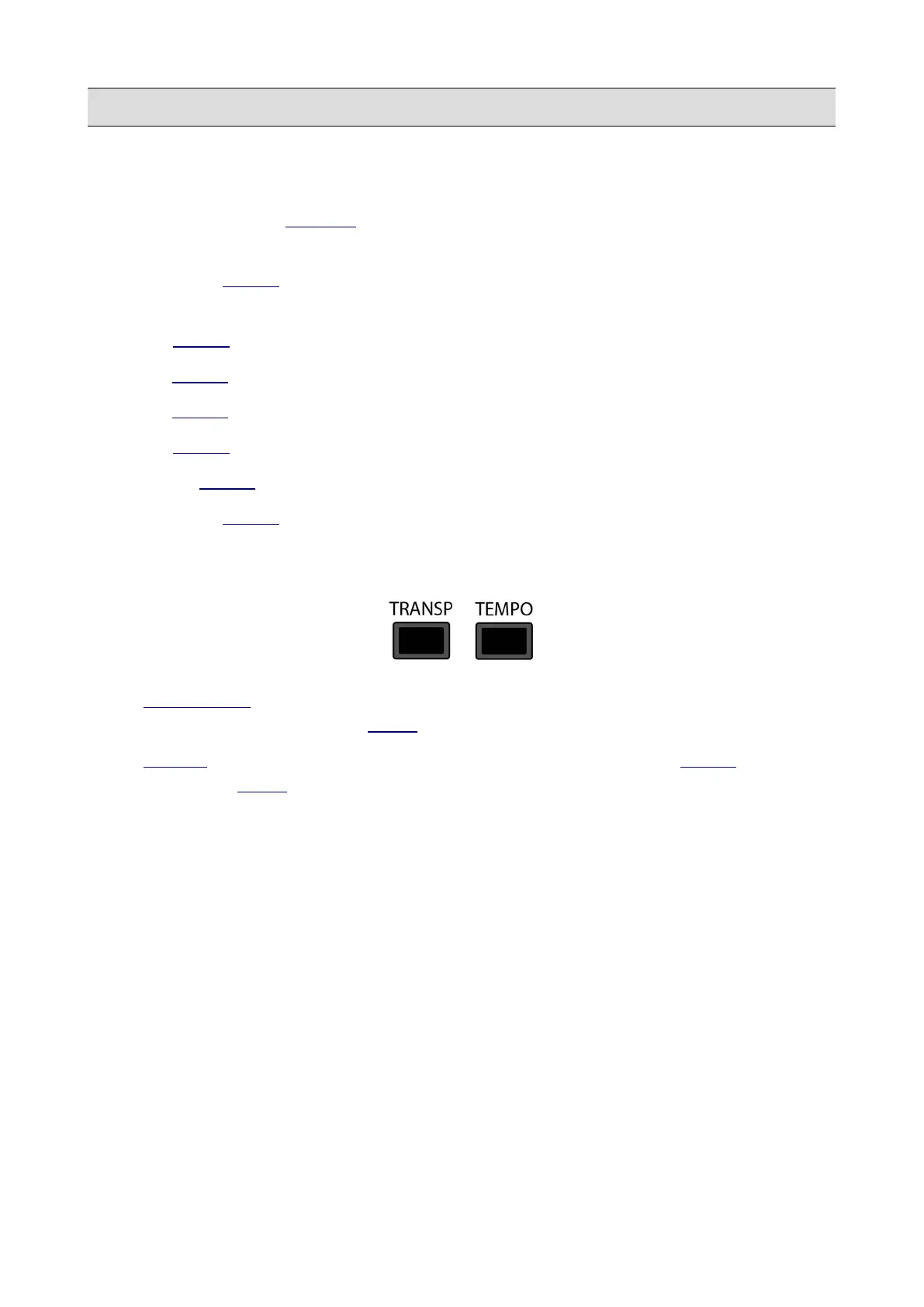
7 – Transpose and Tempo buttons
• TRANSP OSE : use to change the pitch (key) of a song playing, the tuning of notes played on
the keyboard or the pitch of a STEM Project.
• TEMPO : use to change the tempo (slow down or speed up) of a song, a DRU M Rhythm
playing or a STEM Project.
8 – Master Volume
Use to control the volume of the LEFT/RIGHT and HEADPHONE audio outputs.
KETRON - LOUNGE 15



 To Next Page