UTILITIES
Utilities
Screenshot
A screenshot is a digital image that shows the contents of the touchscreen LCD display.
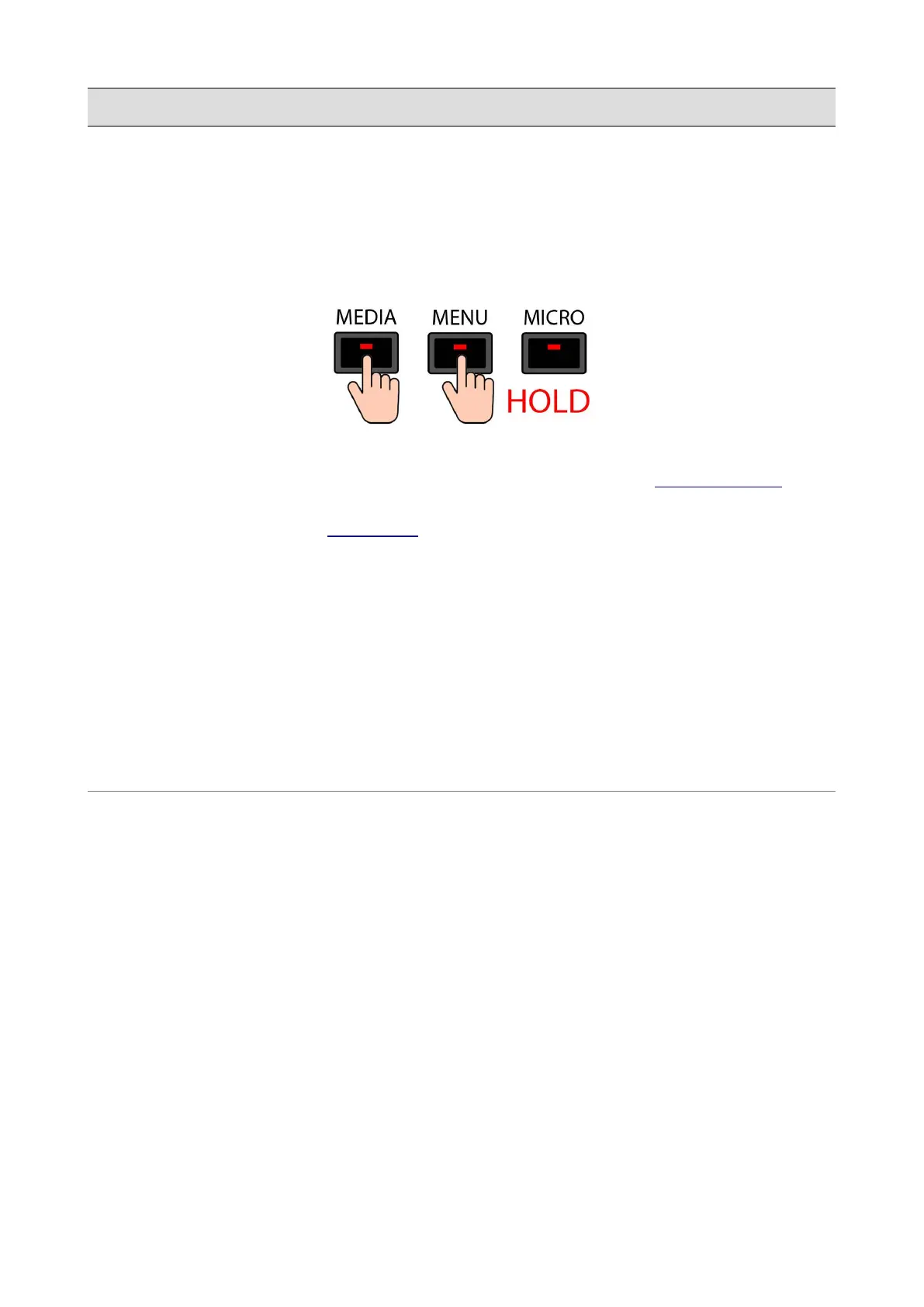
Keep pressed at the same time both the MEDIA and MENU buttons to make a screenshot. You will
hear a “beep sound” (make sure that the BUZZER option is set to On in the PREFERENC ES page).
The screenshot will be saved as a .png file in the current folder and can be copied to an external
memory device by enabling the DISK EDIT mode.
Reboot
Push the ENTER button while keeping pressed the LYRIC button to reboot the instrument.
Disk Check
Push the ENTER button while keeping pressed the SEARCH button to perform a check of the
integrity of the disk. This check will search for errors on the file system and will try to repair them.
This operation could take some time.
158 - KETRON - LOUNGE



 To Next Page