PLAYER
Markers
The MIDI marker meta message marks a point in time for a MIDI file. This point in time could be
anything, such the beginning of a new verse, the start of the song or the beginning of the chorus. It
is possible to add marker meta messages to a MIDI file with almost any DAW (Digital Audio
Workstation) application.
Use the markers
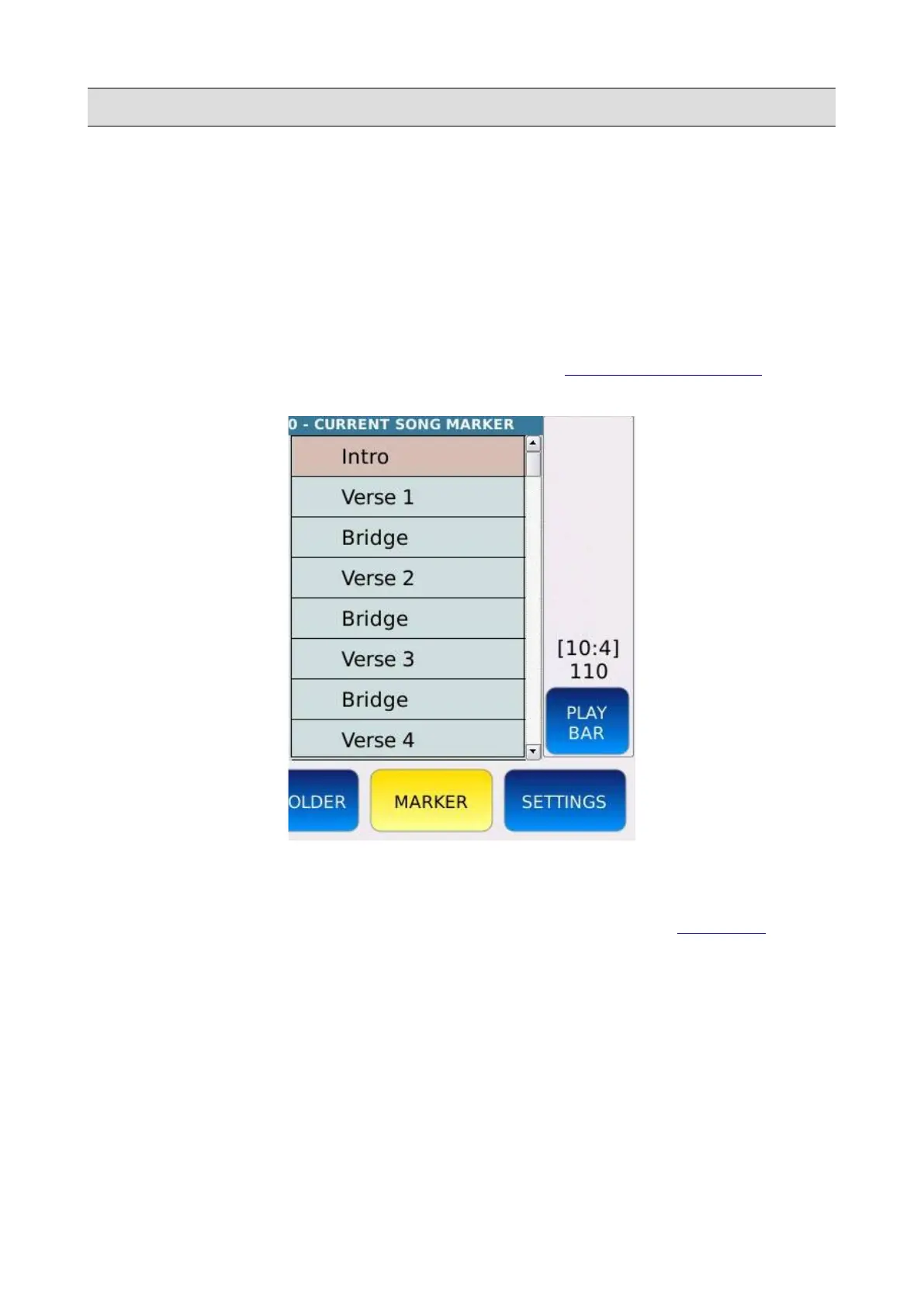
• Play a MIDI file and tap on the MARKER button of the PLAYER BOTTOM BAR to open
the MARKER selection window. The MARKER button will turn on.
• If the MIDI file contains marker meta messages, they will be displayed in the marker
selection window.
• Tap on a marker to jump to the corresponding moment of the song (see SETTINGS to
change the way the jump is executed).
• Tap on the MARKER button or press EXIT to close the marker selection window.
KETRON - LOUNGE 41



 To Next Page