PLAYER
Tempo
The TEMPO function can be used to change the speed at which a song is played. The tempo value
is expressed in BPM for MIDI files and in percentile (+-%) for audio files.
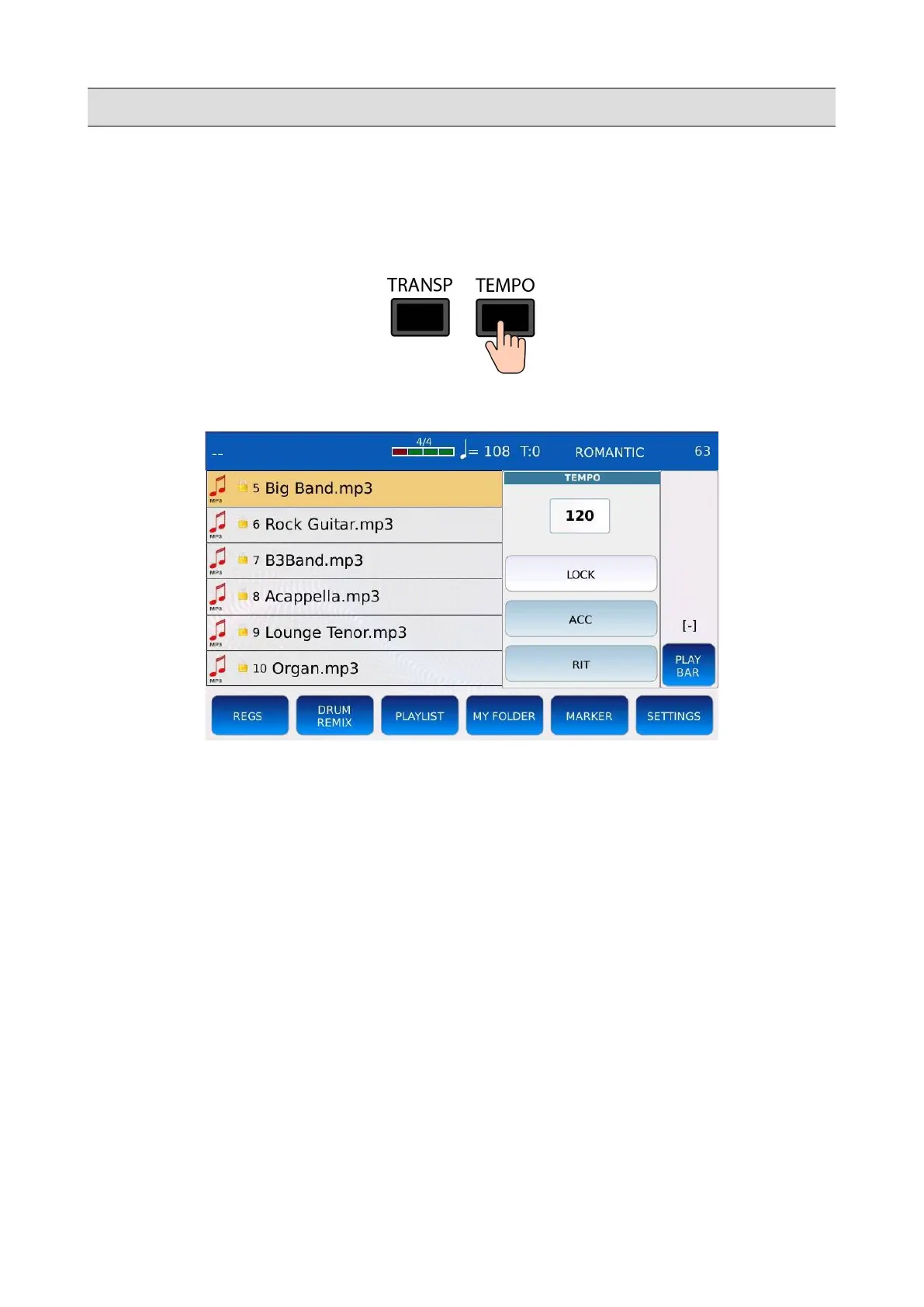
Press TEMPO to display the tempo window:
Use the Value Dial to set the tempo to the desired value.
• LOCK: Lock the tempo between consecutive songs and ignore MIDI tempo change events
(only MIDI files).
• ACC: (Accellerando) Speed up the tempo of the song at rate of 5 BMP/down beat (only
MIDI files).
• RIT: (Ritardando): Slows down the tempo of the song at rate of 5 BMP/down beat (only
MIDI files).
Press SAVE while the song is still playing, to save the tempo meta data into the song. A pop up
window will be displayed on screen:
KETRON - LOUNGE 21



 To Next Page