PLAYER
• Tap on the SAVE AS button to give a name to the Registration. A virtual alphanumeric
keyboard will appear on screen. A Registration has the .srg extension. Compose the new
name and then tap on ENTER. Tap on the CANCEL button or press EXIT to cancel the
operation.
NB: you can save a Registration only if the PLAYER is stopped, otherwise you will save the SONG
SETUP.
NB: you can save a Registration also in the ACCORDION page (see SAVE A REGISTRATION).
Load a Registration
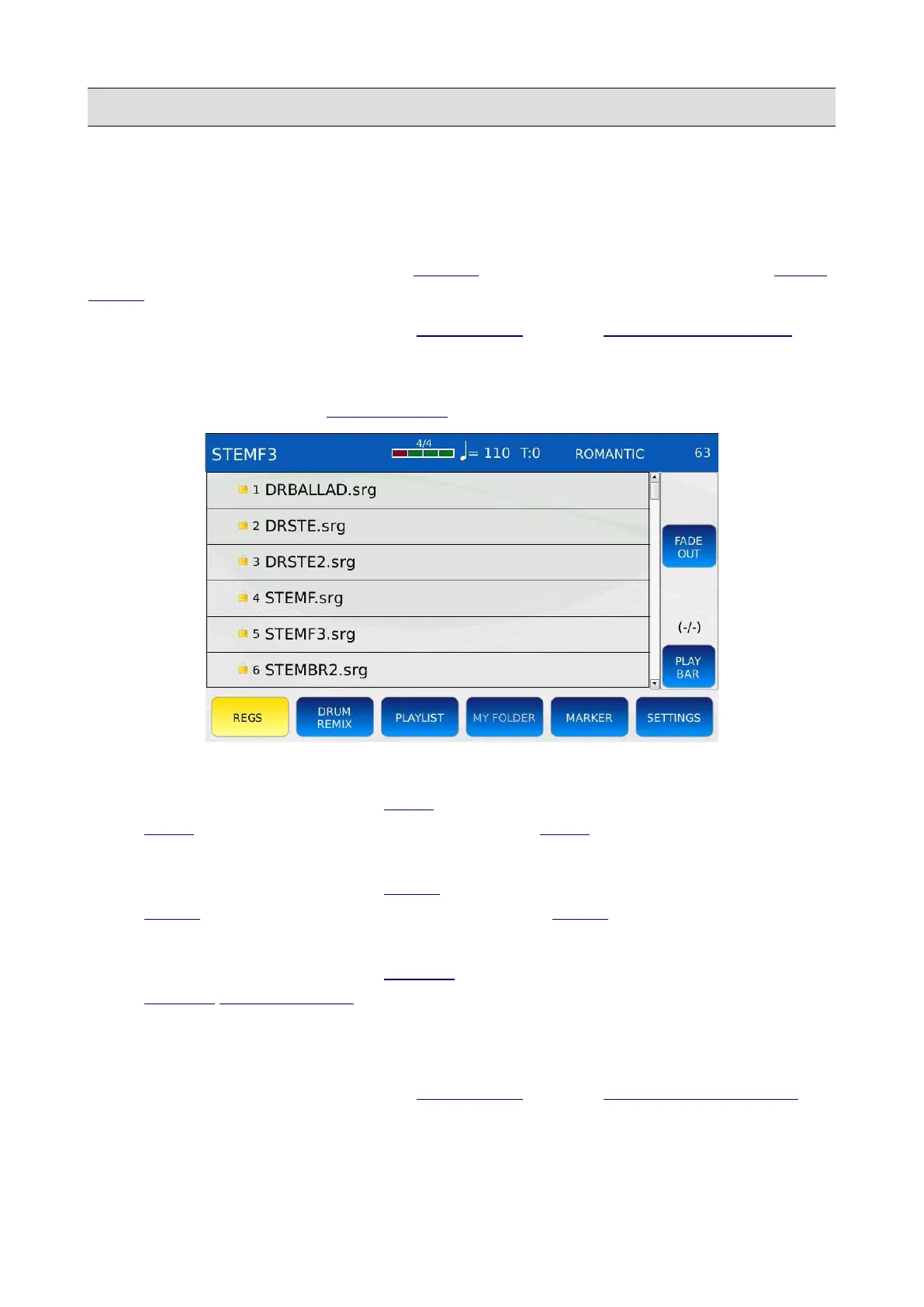
Tap on the REGS button on the BOTTOM BAR to display on screen the Registration list.
• Tap on a Registration name to load the corresponding Registration.
• If the Registration was saved in STEM mode, the instrument will automatically enter in
STEM mode. The STEM button led will turn on, the STEM page will be displayed on
screen and the instrument will load the Stem Project saved with the Registration.
• If the Registration was saved in DRUM mode, the instrument will automatically enter in
DRUM mode. The DRUM button led will turn on, the DRUM page will be displayed on
screen and the instrument will load the Rhythm saved with the Registration.
• If the Registration was saved in PLAYER mode, the instrument will automatically show the
PLAYER FILE BROWSER and select the song saved with the Registration.
• If the Registration was saved when a text file was displayed on screen, the instrument will
automatically show the text file on screen.
NB: you can load a Registration also in the ACCORDION page (see LOAD A REGISTRATION).
KETRON - LOUNGE 57



 To Next Page