PLAYER
Page 2 – File Browser
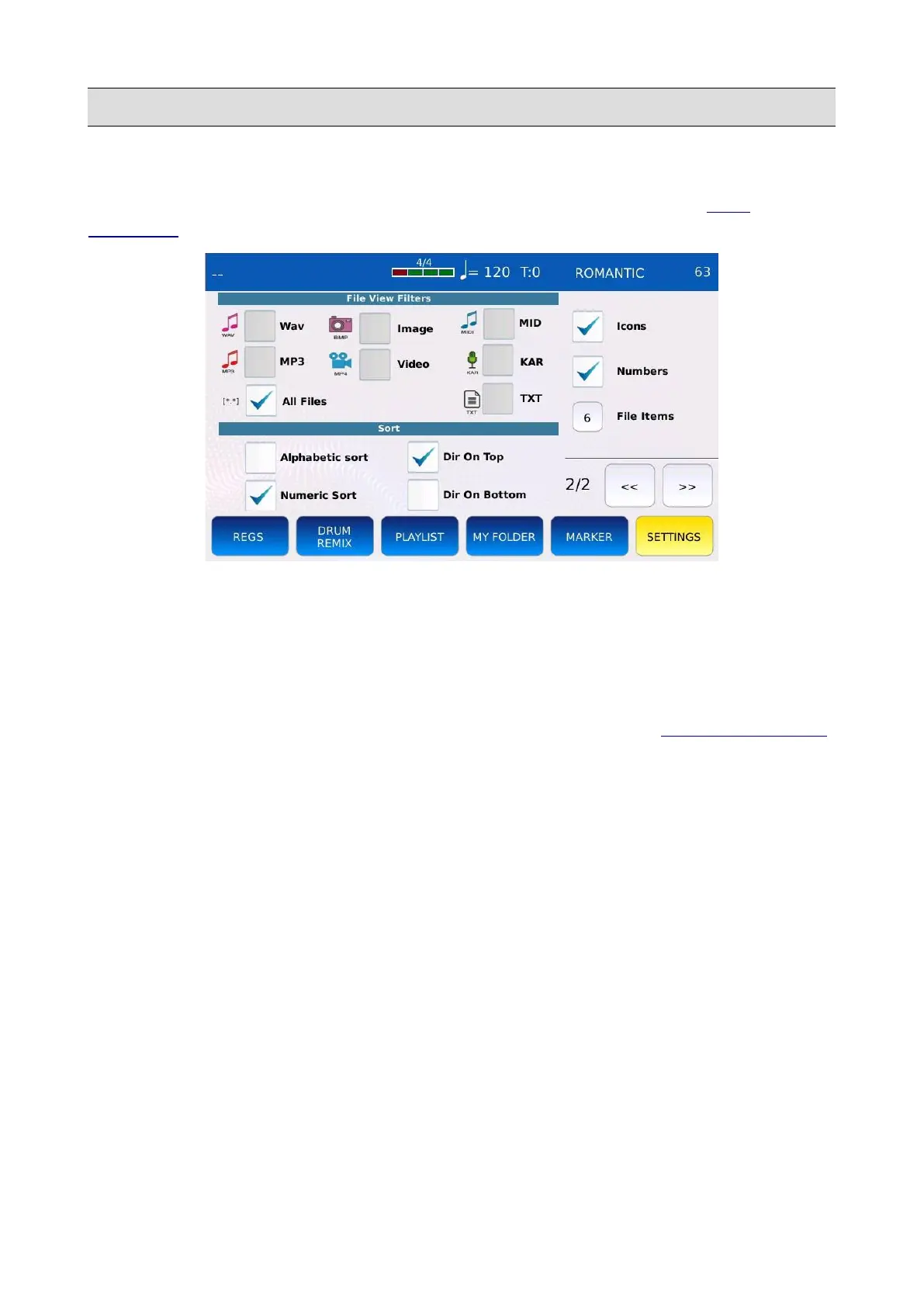
This page allows you to customize the way the songs and files are displayed in the FILE
BROWSER.
• FILTERS: define the type of files to be displayed or hidden.
• SORT: sorts the files by index (insertion date) or by name.
• DIR ON TOP/BOTTOM: displays the folders on top or at the bottom of the file list.
• ICONS: displays or hides the file icons.
• NUMBERS: displays or hides the file index. It is useful to perform a SEARCH BY INDEX.
• FILE ITEMS: defines the number of file and folders to be displayed (from 4 to 12). Tap on
the box and use the Value Dial to change.
KETRON - LOUNGE 61



 To Next Page