MENU
Voicetron equaliser
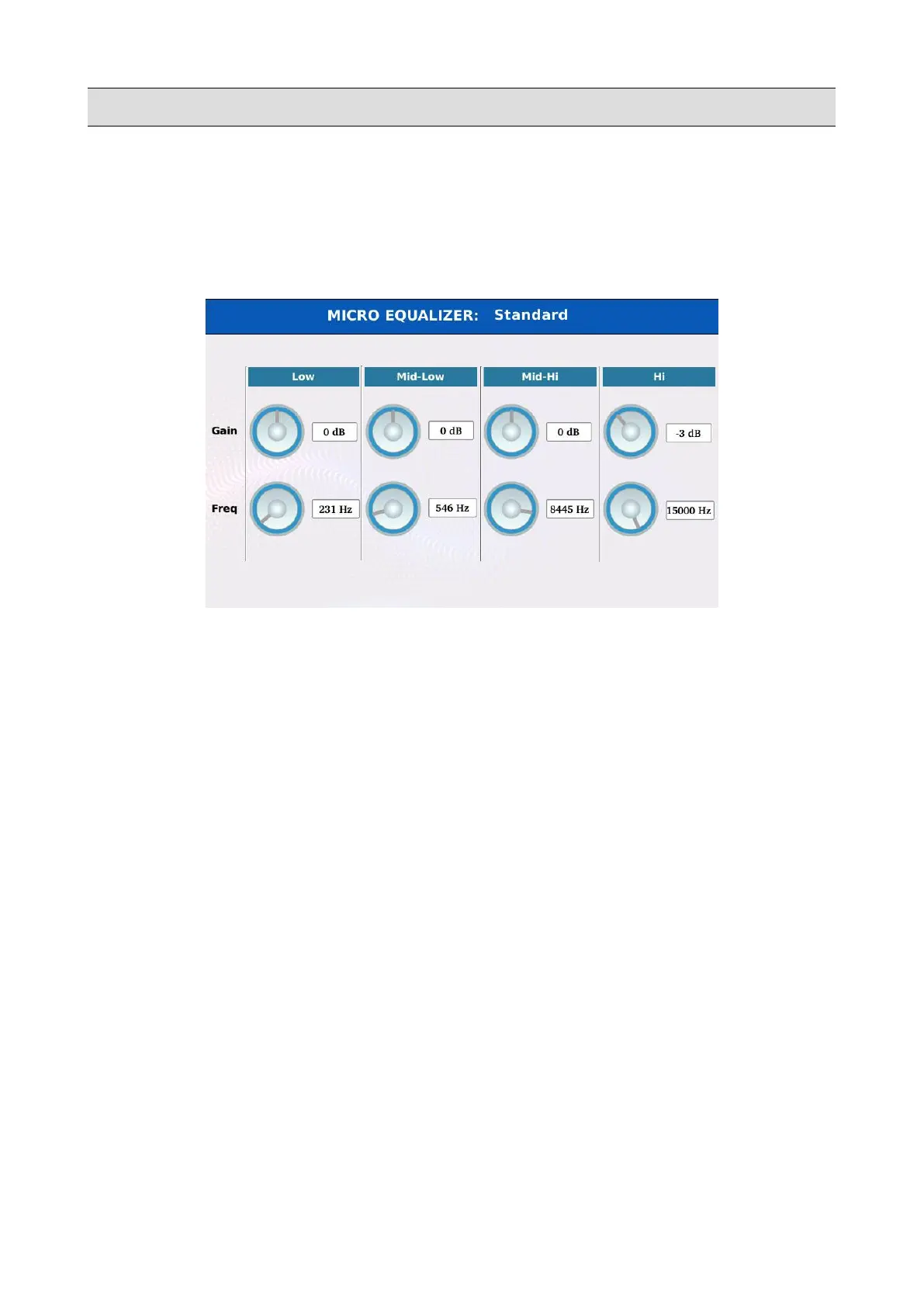
Tap on the VIEW button on the MICRO1/VOICETRON page to display the voicetron equaliser
page. The signal is processed by two shelving filter, one for the low frequencies (LOW) and one for
the high frequencies (HIGH) and by two peak filters, one for the mid-low frequencies (MID-LOW)
and one for the mid-high frequencies (MID-HIGH).
• Tap on the GAIN virtual knob and use the Value Dial to cut or boost below or above the
central frequency. The range is -12 to +12 dB.
• Tap on the FREQ virtual knob and use the Value Dial to set the central frequency. The range
is 80 to 2000 Hz (LOW), 60 to 3000 Hz (MID-LOW), 60 to 10300 Hz (MID-HIGH) and
500 to 15000 Hz (HIGH).
• Press SAVE to store the changes into a user preset.
KETRON - LOUNGE 151



 To Next Page