PLAYER
• In DRUM REMIX mode, the A, B, C, D, FILL, BREAK and IN/END buttons will control
the Rhythm variations and some buttons of the PLAYER BOTTOM BAR will change their
functions.
◦ LEAD MUTE: mutes the melody track of the MIDI file (see SETTINGS to change the
melody track number).
◦ LYRIC: displays or hides the LYRICS on the display, if there are any.
◦ EDIT: open the DRUM REMIX SETTINGS.
◦ DRUM ON/OFF: turn on/off the Rhythm and mute/unmute the drum track of the MIDI
file.
• Press EXIT to close the Rhythm selection page.
• Press START to play the MIDI file synchronized with the Rhythm.
• Press the A, B, C, D, FILL, BREAK and IN/END buttons to play the desired variation. The
instrument will keep track of the variations played.
• Press again START, SAVE or simply wait until the end of the MIDI file to save the variation
sequence into the MIDI file.
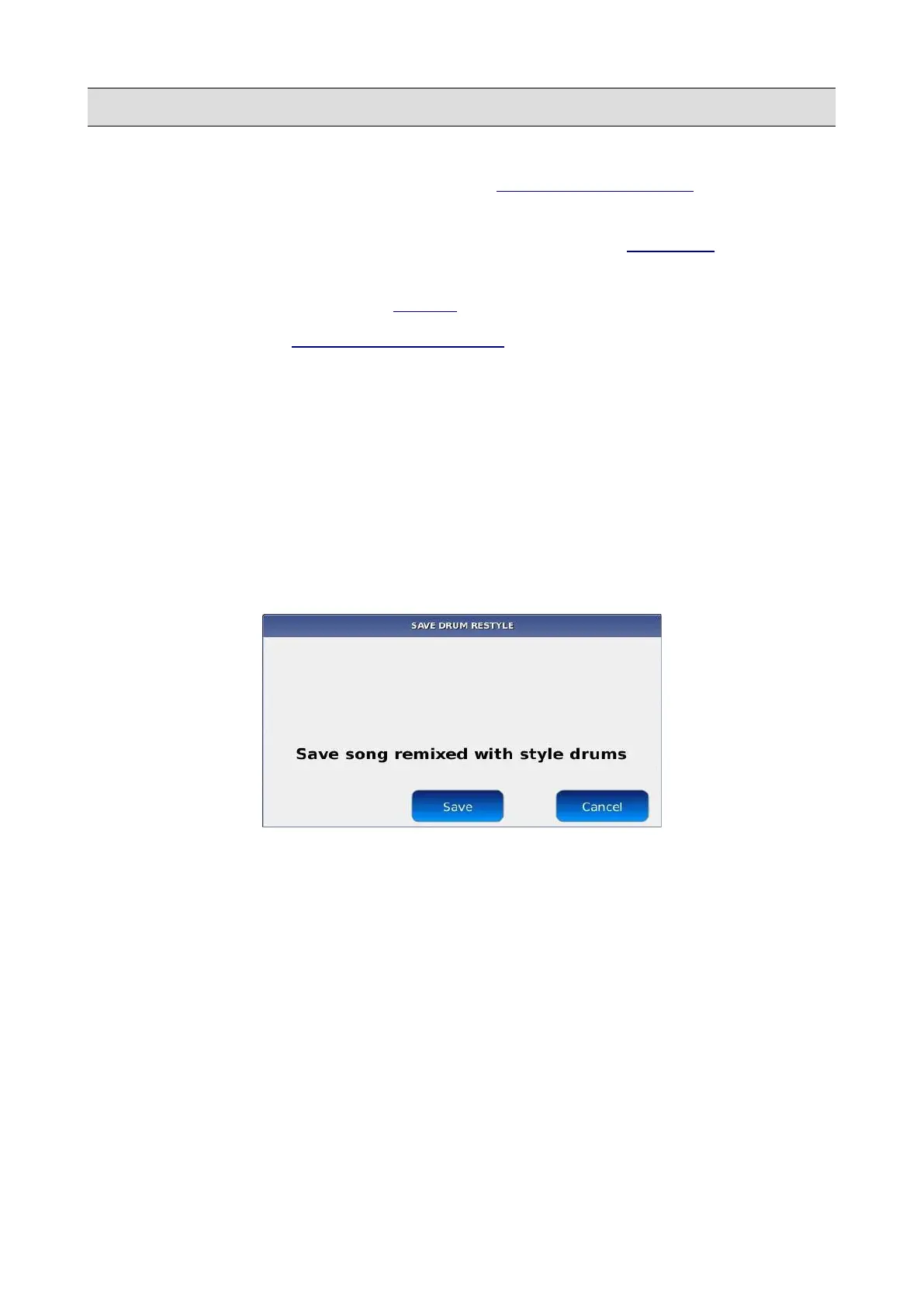
• Press the SAVE button to save the changes or the CANCEL button to discard all the changes
and exit form the DRUM REMIX mode.
NB: in DRUM REMIX mode, the instrument synchronizes the bpm of the Rhythm with the one of the
MIDI file, without changing the original time signature. If the time signature of the MIDI file is 3/4,
the Rhythm should have the same time signature.
KETRON - LOUNGE 39



 To Next Page