PLAYER
• Assigns the Text Page + and Text Page - options to two of the switches of the
FOOTSWITCH (optional).
• Play the audio file normally as described in PLAY A SONG.
• Press the Text Record switch on the FOOTSWITCH to begin recording. A warning text
“TXT Rec” will appear on the STATUS BAR at the top of the screen.
• Use the Value Dial or the Page + and Text Page - switches to turn the pages. The instrument
will keep track of the moments in which the pages are turned.
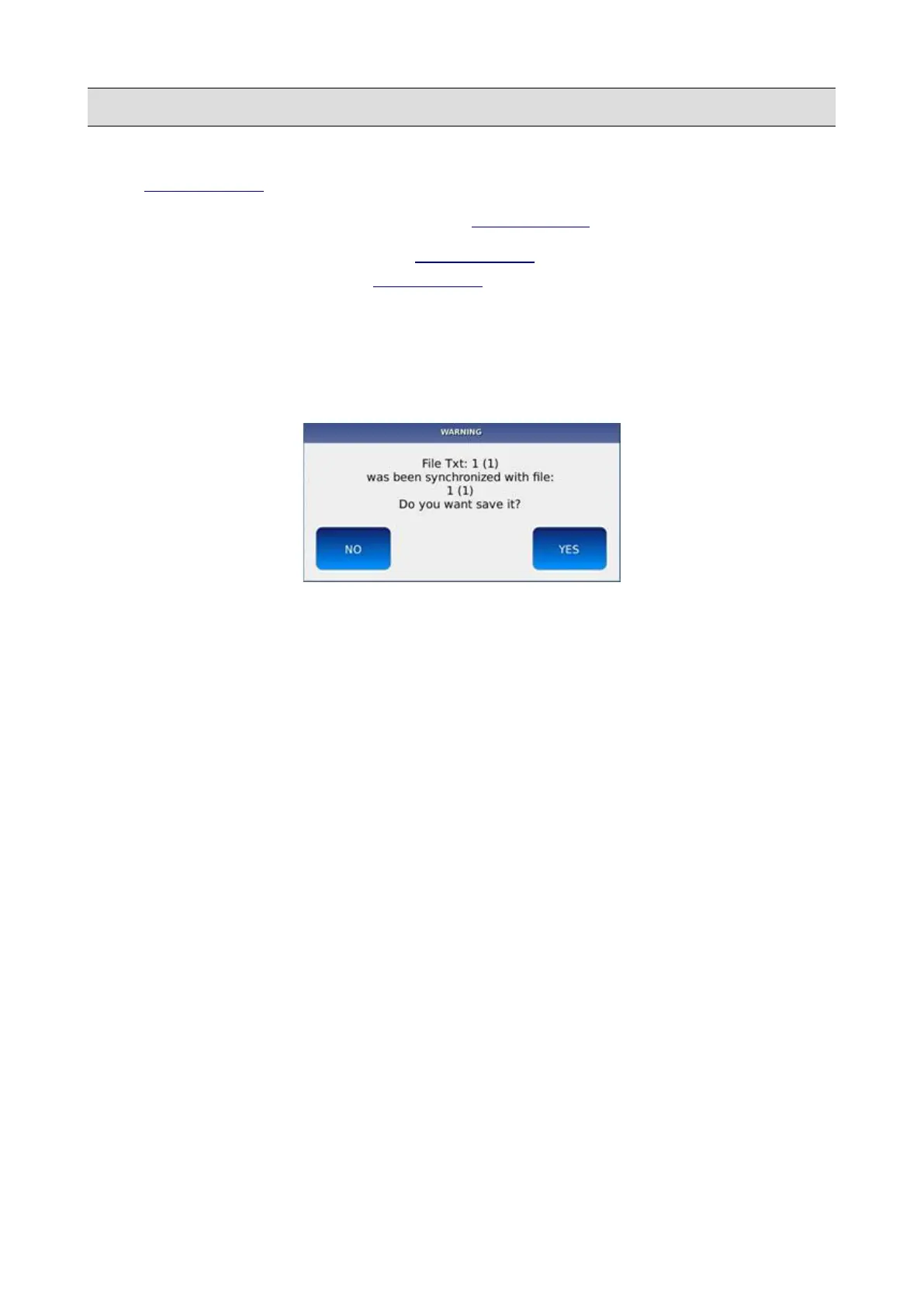
• Once synchronization is complete, press the START button. You will be asked to save the
test synchronization.
• Tap on the YES button to confirm.
NB: you can play mp3 with synchronized text from previous KETRON instruments (Midjay and
Midjay Plus) only if the mp3 file has fixed bit data rate and does not contain meta events
44 - KETRON - LOUNGE



 To Next Page