PLAYER
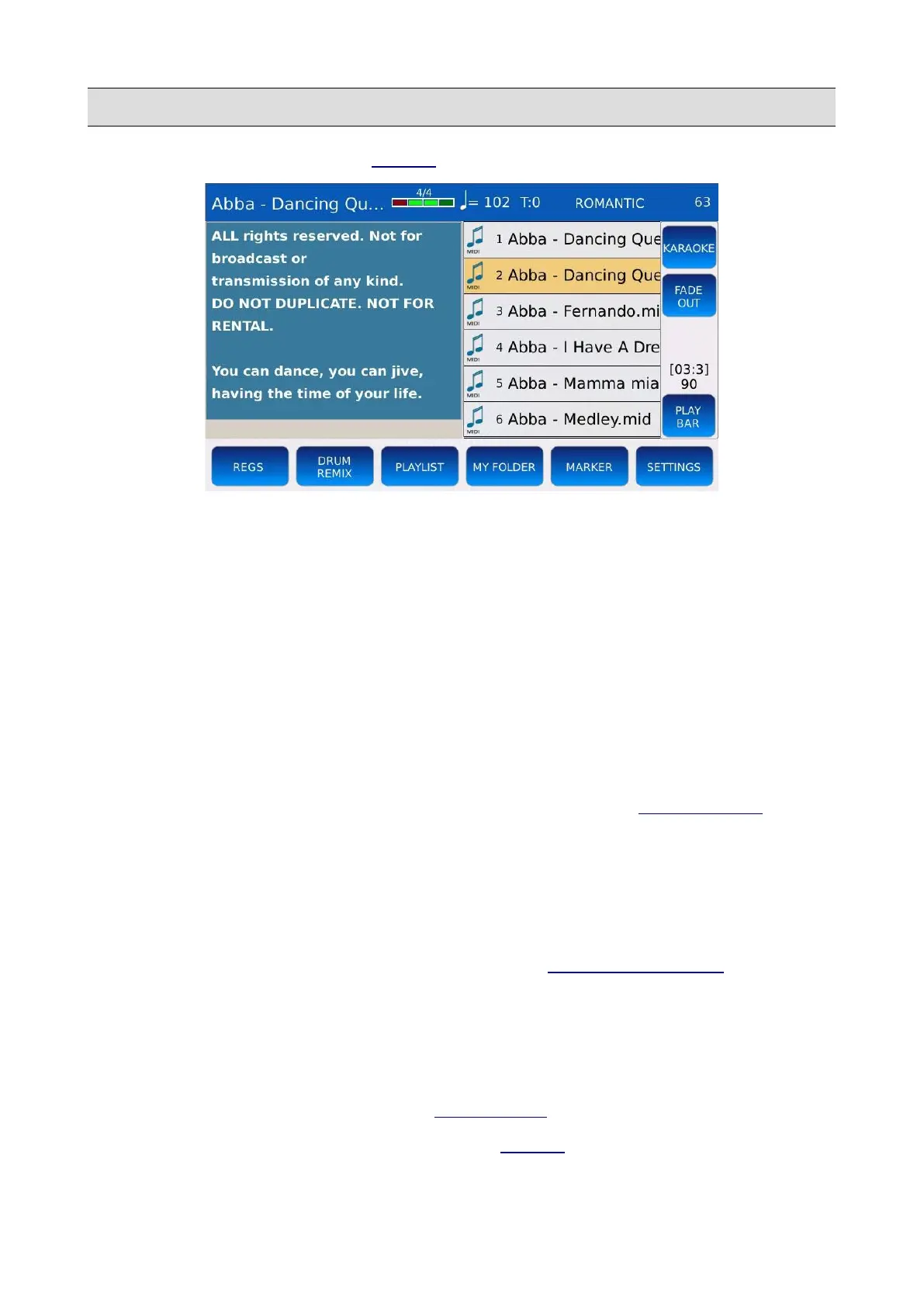
• HALF SCREEN: displays the LYRICS in the left half of the screen.
• CDG JUMP: allows you to skip the initial part of the CDG files (often used for information
purposes). Tap on the CDG JUMP button to enable or disable this feature.
• CDG JUMP INTERVAL: defines the initial skipped time of the CDG file. Values ranges
from 0 to 30 seconds. Tap on the button and use the Value Dial to change the value.
• CROSSFADE: modifies the rate of the cross fade. You can choose between Normal, Slow 1,
Slow 2, Fast 2 and Fast 1.
• LEAD CHANNEL: defines the melody track (channel) on MIDI files. Determines which
channel is muted when the LEAD MUTE is enabled. The default value for the melody track
is 4.
• MIDI MIX: allows you to adjust the main volumes of the MIDI file (grouped as DRUM,
BASS, ORCH) using the VOLUME POTENTIOMETERS on the FRONT PANEL. When
enabled, the volumes of the parts are controlled by the position of the sliders. When
disabled, the MIDI file starts with the default values saved in the MIDI file itself without
taking into account the position of the sliders.
• SKIP FILE LINK: disables the link between two files with the same name. If for example
you have a mp3 file and a txt file with the same name, if this function is enabled, the txt file
will not be automatically displayed on the screen (see LYRICS AUTO LOAD).
• MIDI FILE FAST PLAY: speeds up the loading of a MIDI file, by processing the first
measures (which generally contain CC MIDI messages, program changes, etc.) more
quickly.
• MIDI FILE SAVE MIX: enables or disables the storing of the slider position (DRUM,
BASS, ORCH) into the MIDI file (see SONG SETUP for more information).
• AUTO SHOW LYRIC: show automatically the LYRICS (if any) when a song is started.
KETRON - LOUNGE 59



 To Next Page