MEDIA
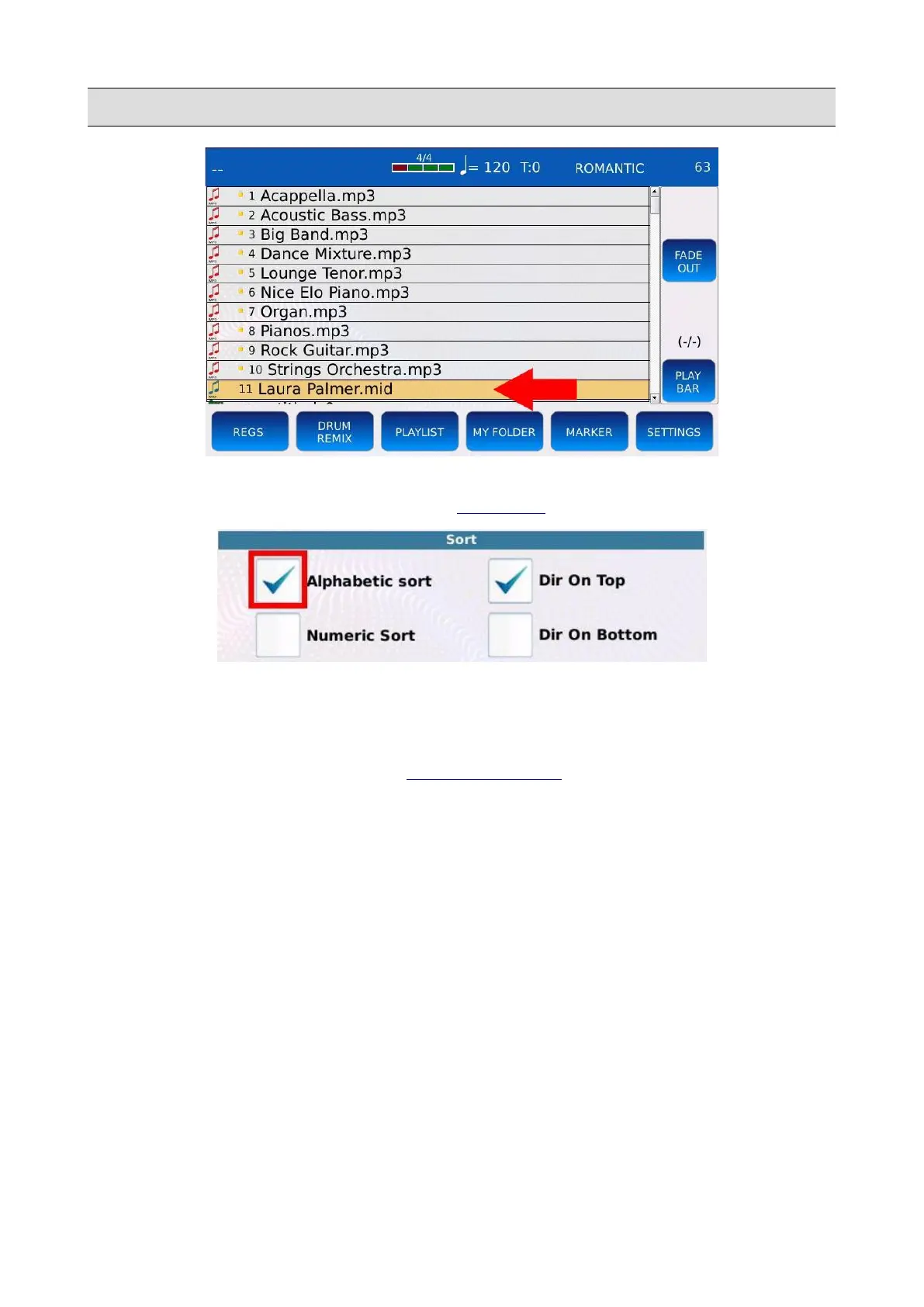
• The files could be displayed again in alphabetical order by removing the index lock or by
enabling the ALPHABETIC SORT in the SETTINGS page.
• To remove the index lock, tap on the NUMBER ASSIGN button, then tap on the REMOVE
NUMBER button and finally confirm the operation. All the files in the current folders will
be displayed in alphabetical order.
NB: you can search a file by its index. See SEARCH BY INDEX.
KETRON - LOUNGE 71



 To Next Page