202
TOS3200
System Settings
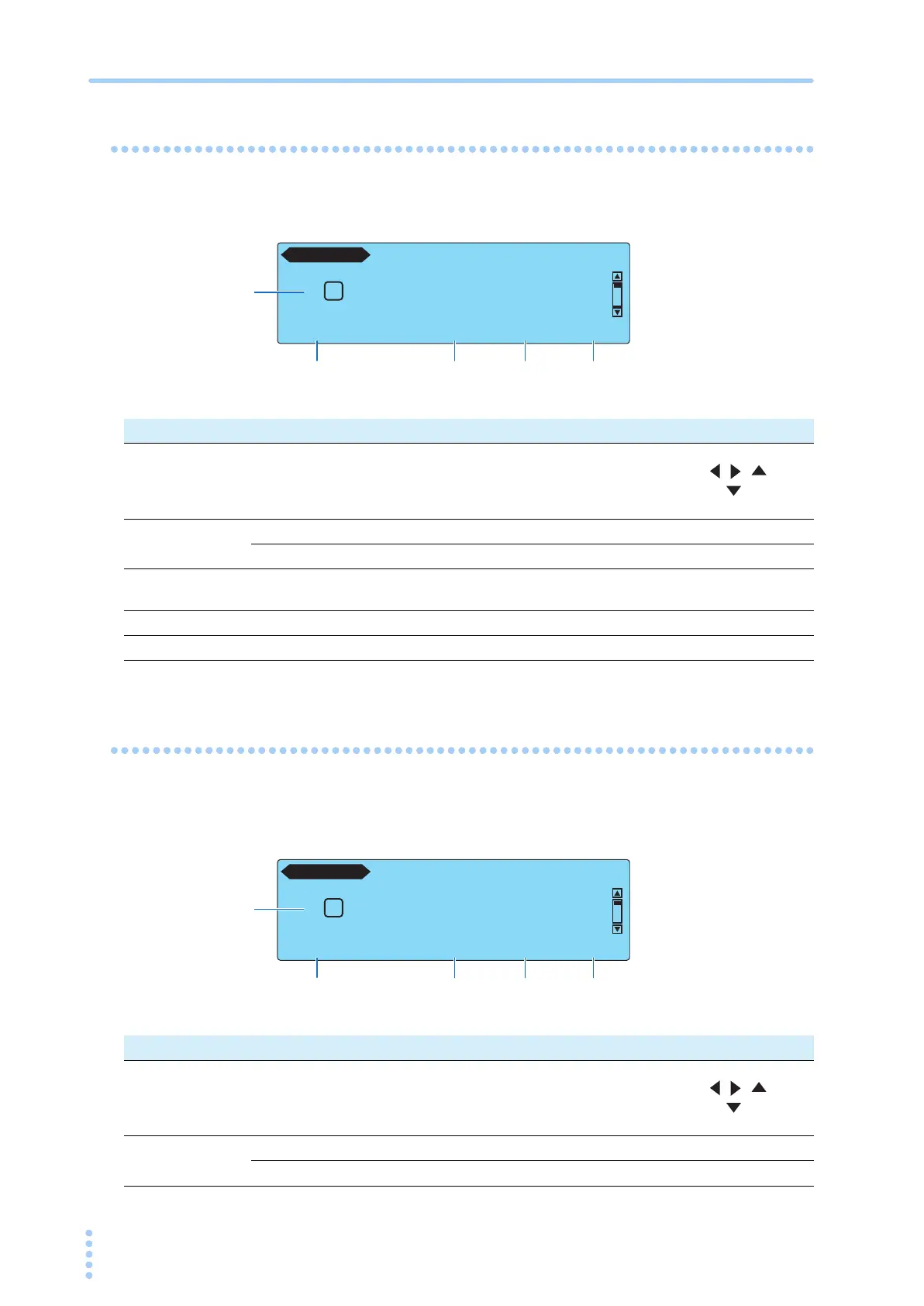
Setup Items of SYSTEM3/5
On SYSTEM2/5, press the <NEXT> (F5) key to display SYSTEM3/5.
You can display or delete the stored single test data on SYSTEM3/5.
Setup Items of SYSTEM4/5
On SYSTEM3/5, press the <NEXT> (F5) key to display SYSTEM4/5.
You can display or delete the stored program test data on SYSTEM4/5.
DATA DELETE <PREV> <NEXT>
[MANUAL TEST DATA]
No 1 2 3 4 5 6 7 8 9 10
00:−−UNTITLED−−
2006 / 10 / 17 13 : 45
SYSTEM3 / 5
1
32 4 5
Item Description Panel operation
1 No
Specifies the memory number (1 to 50) at which the single test data is
stored.
If you specify a memory number for the stored data, the saved informa-
tion will be displayed below the memory number.
, , ,
or key
2 DATA Displays the contents of the specified test data. F1 key
LIST Returns to the single test data list (SYSTEM3/5). F1 key
3 DELETE
Deletes the contents of the specified test data.
Displayed only when a memory number containing test data is specified.
F3 key
4 <PREV> Displays SYSTEM2/5. F4 key
5 <NEXT> Displays SYSTEM4/5. F5 key
DATA DELETE <PREV> <NEXT>
[AUTO TEST DATA]
No
1 2 3 4 5 6 7 8 9 10
01:−−UNTITLED−−
2006 / 10 / 17 16 : 05
SYSTEM4 / 5
1
32 4 5
Item Description Panel operation
1 No
Specifies the memory number (1 to 50) at which the program test data
is stored.
If you specify a memory number for the stored data, the saved informa-
tion will be displayed below the memory number.
, , ,
or key
2 DATA Displays the contents of the specified test data. F1 key
LIST Returns to the program test data list (SYSTEM4/5). F1 key



 To Next Page