34
TOS3200
Panel Control
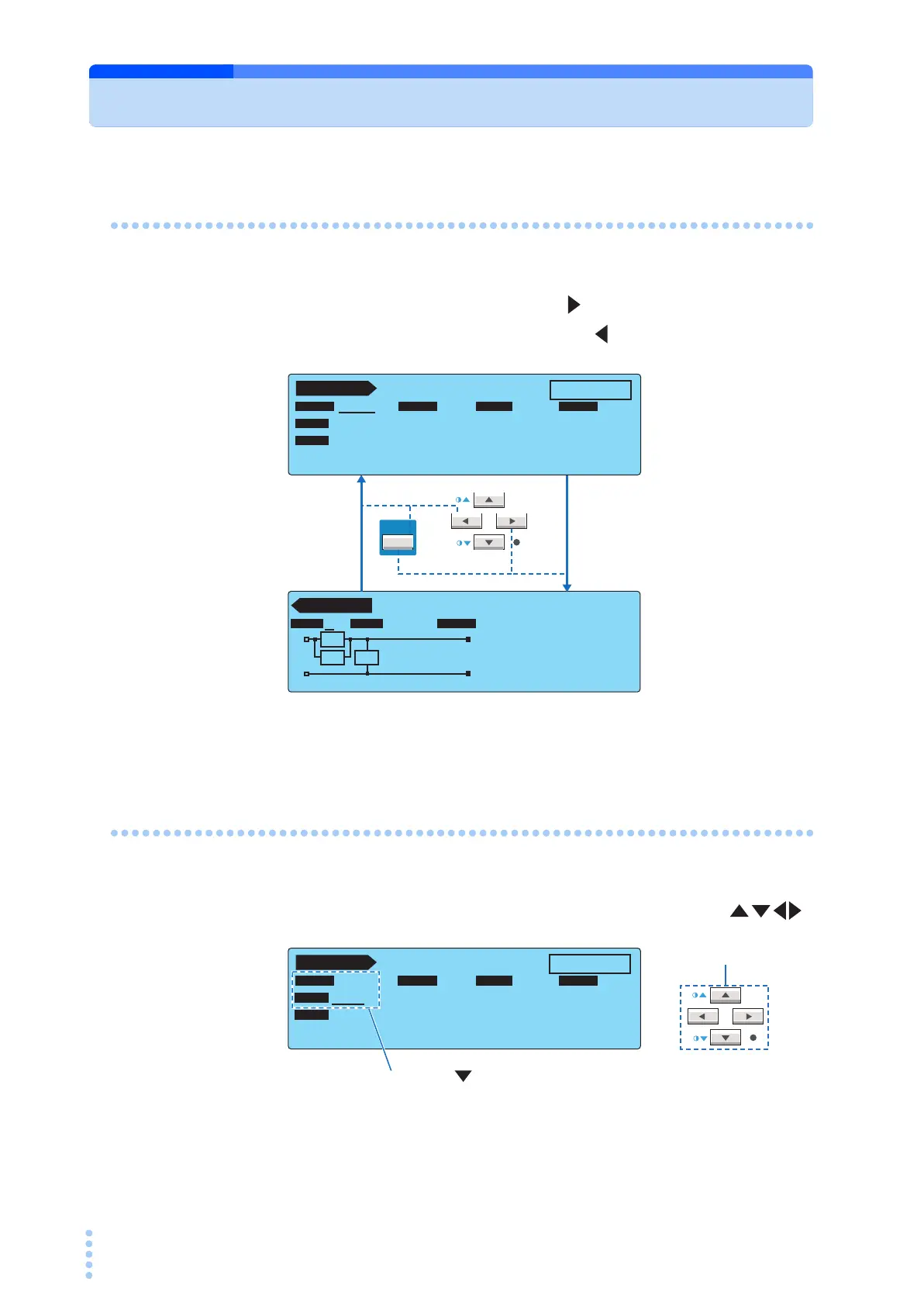
Switching the Screen
Each screen consists of multiple screens.
To display the next screen, press the NEXT (SHIFT+ ) key.
To display the previous screen, press the PREV (SHIFT+ ) key.
On the SYSTEM screen, <NEXT> (next screen) and <PREV> (previous screen) are assigned
to the function keys.
Selecting Items
There are two ways to select items.
• Move the underscore to the item you want to select using the arrow keys ( ).
SHIFT
PREV NEXT
TC 1 / 2
READY
E
NC
P
E
OFF ON
PROBE LOWER
UPPER TIMER
POL
NORM
NORM
COND
UPPER
OFF
TIMER
30.0
mA
10
s
PROBE LOWER UPPER TIME/WAIT
Rs: 1.5 kΩ Cs: 0.22 µF
Rb: 0.5 kΩ
RMS AUTO
NTWK MODE RANGE
NTWK MODE RANGE
A
A
B
Rs
Cs Rb
TC 2 / 2
TC 1 / 2
READY
ENCPE OFF ON
PROBE LOWER
UPPER TIMER
POL
NORM
NORM
COND
UPPER
OFF
TIMER
30.0 mA
10
s
PROBE LOWER UPPER TIME/WAIT
Press the key once when PROBE is
selected to select POL.
PREV NEXT
Arrow keys



 To Next Page