TOS3200
73
Measuring in Meter Mode
5
Meter Mode Measurement
SELV Detection Function
If the voltage between measurement terminals A and B exceeds the preset safety extra low
voltage (SELV), the DANGER lamp will illuminate.
The SELV detection is carried out while the voltage is displayed.
1
Select the SELV on SYSTEM1/5.
2
Use the rotary knob to set the SELV.
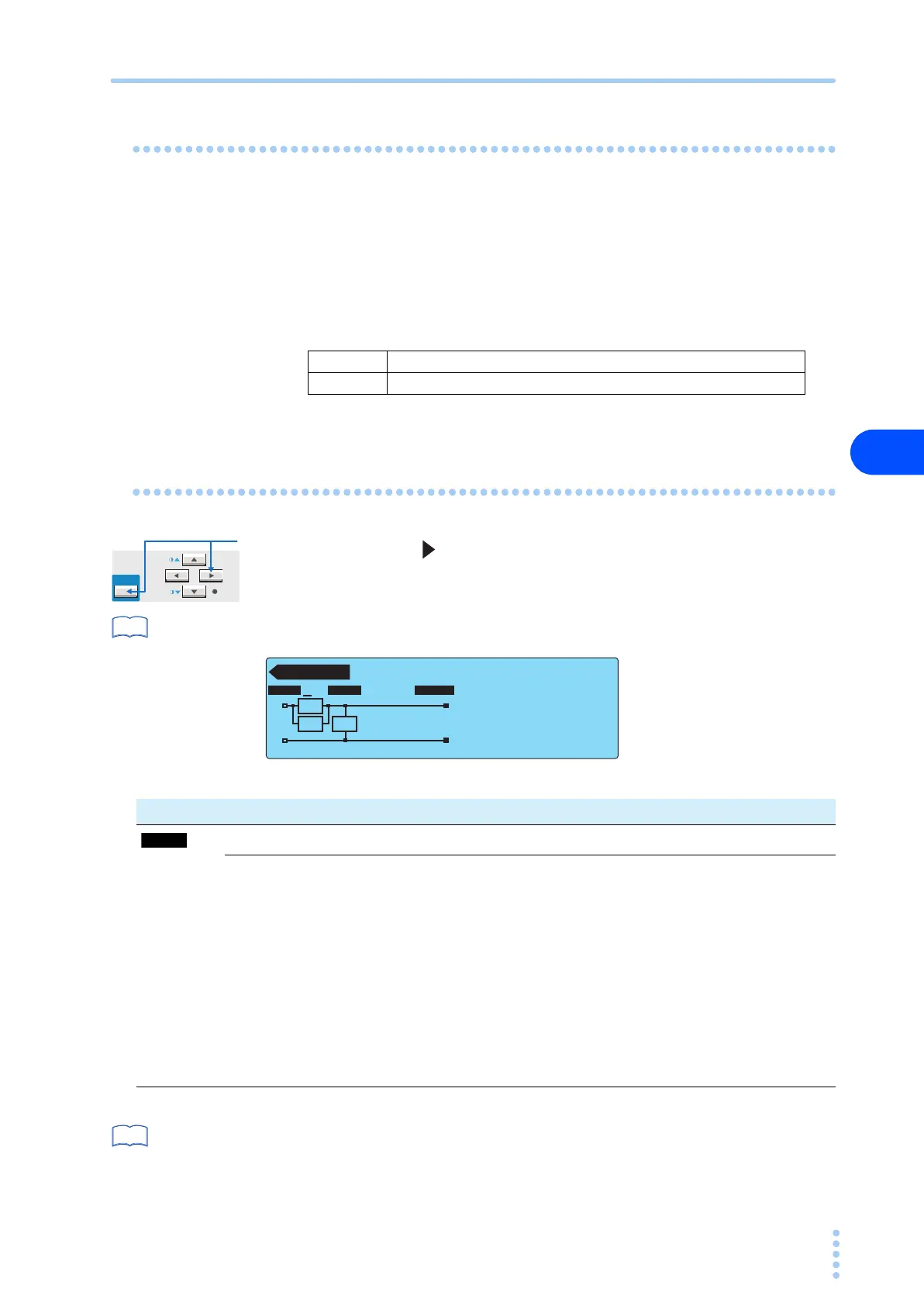
Setup Items of METER2/2 (NTWK / MODE / RANGE)
Press the NEXT (SHIFT+ ) key to display the METER2/2 screen.
p. 31
For the procedure to select items and enter data, see “Panel Control Basics”.
*1 This item cannot be selected if voltage display is specified on METER1/2.
p. 176
*2 Measures voltage U1 between the measurement network reference points.
SELV 10 V to 99 V
MAX Disable the SELV check function.
See
METER2 / 2
Rs: 1.5 kΩ Cs: 0.22 µF
Rb: 0.5 kΩ
RMS AUTO
NTWK MODE RANGE
NTWK MODE RANGE
A
A
B
Rs
Cs Rb
Item Description Panel operation
*1
Selects the measurement network. NTWK (F1) key
A (For IEC 60990) (1.5 kΩ // 0.22 μF) + 500 Ω
NTWK
(SHIFT+F1) key
B (For IEC 60990) (1.5 kΩ // 0.22 μF) + 500 Ω // (10 kΩ + 22 nF)
B1
*1
(For IEC 60065) (1.5 kΩ // 0.22 μF) + 500 Ω // (10 kΩ + 22 nF)
C
(For IEC 60990)
(1.5 kΩ // 0.22 μF) + 500 Ω // (10 kΩ + (20 kΩ + 6.2 nF) // 9.1 nF)
D1 kΩ
E1 kΩ // (10 kΩ + 11.225 nF + 579 Ω)
F1.5 kΩ //0.15 μF
G2 kΩ
See



 To Next Page