36
TOS3200
Panel Control
Adjusting the Screen Brightness
You can set the screen brightness to any of the 11 levels (0 to 10).
p. 200
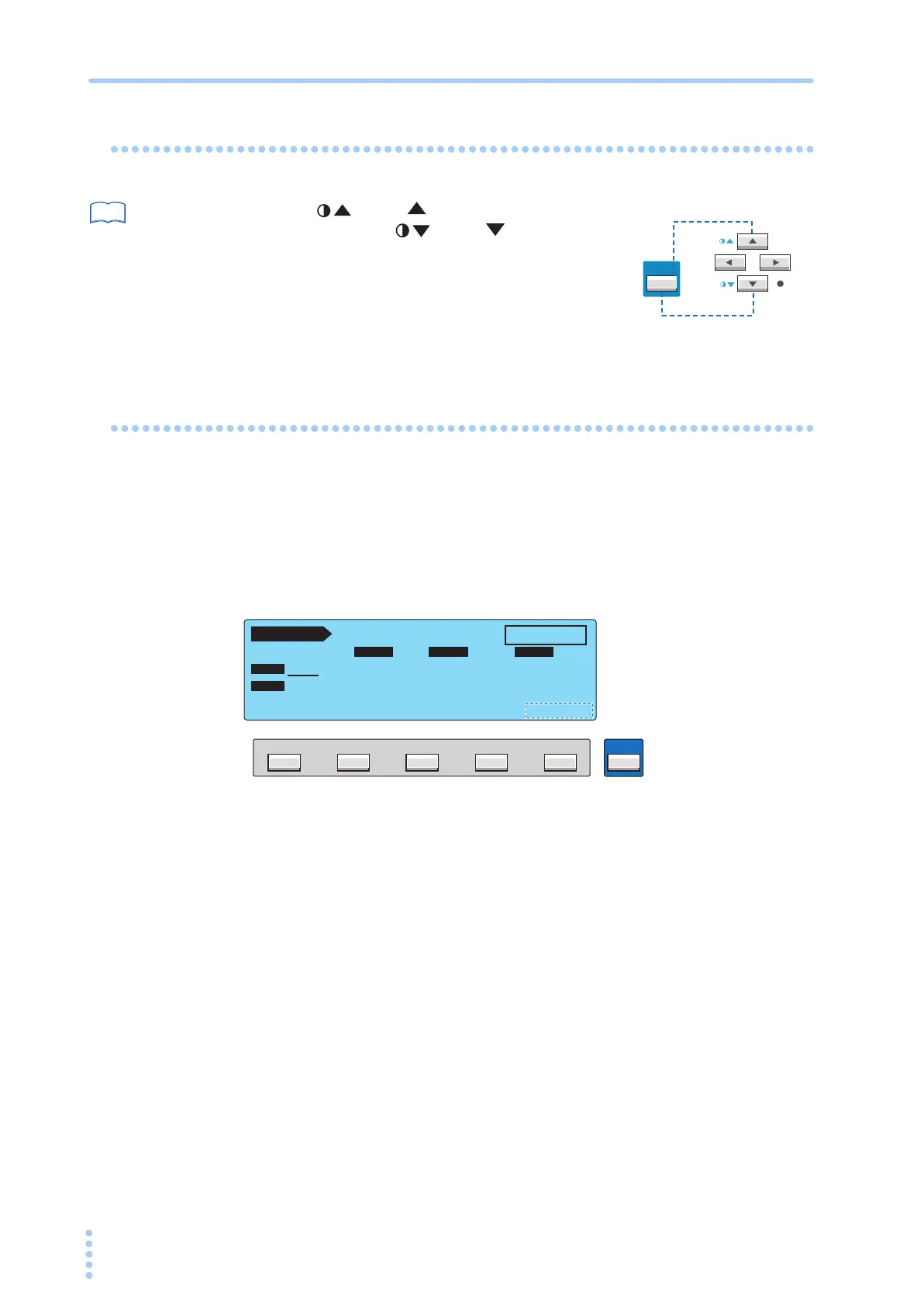
Press the (SHIFT+ ) key to increase the
brightness and the (SHIFT+ ) key to
decrease the brightness. On the SYSTEM screen,
you can adjust the brightness while viewing the set-
ting.
• SYSTEM1/5>CONTRAST
Key Lock
The key lock function prevents the test conditions from being changed mistakenly by the key
operation.
Press the KEY LOCK (SHIFT+LOCAL) key to lock the panel settings.
Only the START and STOP switches are enabled on the panel.
The message “KEY LOCK” is displayed on the screen while the key lock is enabled.
To release the key lock, press the KEY LOCK (SHIFT+LOCAL) key again.
See
SHIFT
PREV NEXT
Brighter
Darker
F5F4F3F2F1
SHIFT
PCC 1 / 2
READY
OFF ON
LOWER
UPPER TIMER
NORM
POL
NORM
COND
UPPER
ON
TIMER
30.0
mA
10
s
KEY LOCK



 To Next Page