TOS3200
85
Sequence Program Editing Procedure
6
Program Test
By default, LOWER is set to OFF. If LOWER is set to OFF, you will not be able to enter
the value even though you can select it using the F3 key or arrow keys.
6
Use the rotary knob to set 35μA.
7
Press the UPPER (F3) key to select UPPER.
8
Use the rotary knob to set 500μA.
Because default settings are used for WAIT and TIMER, these items are not changed.
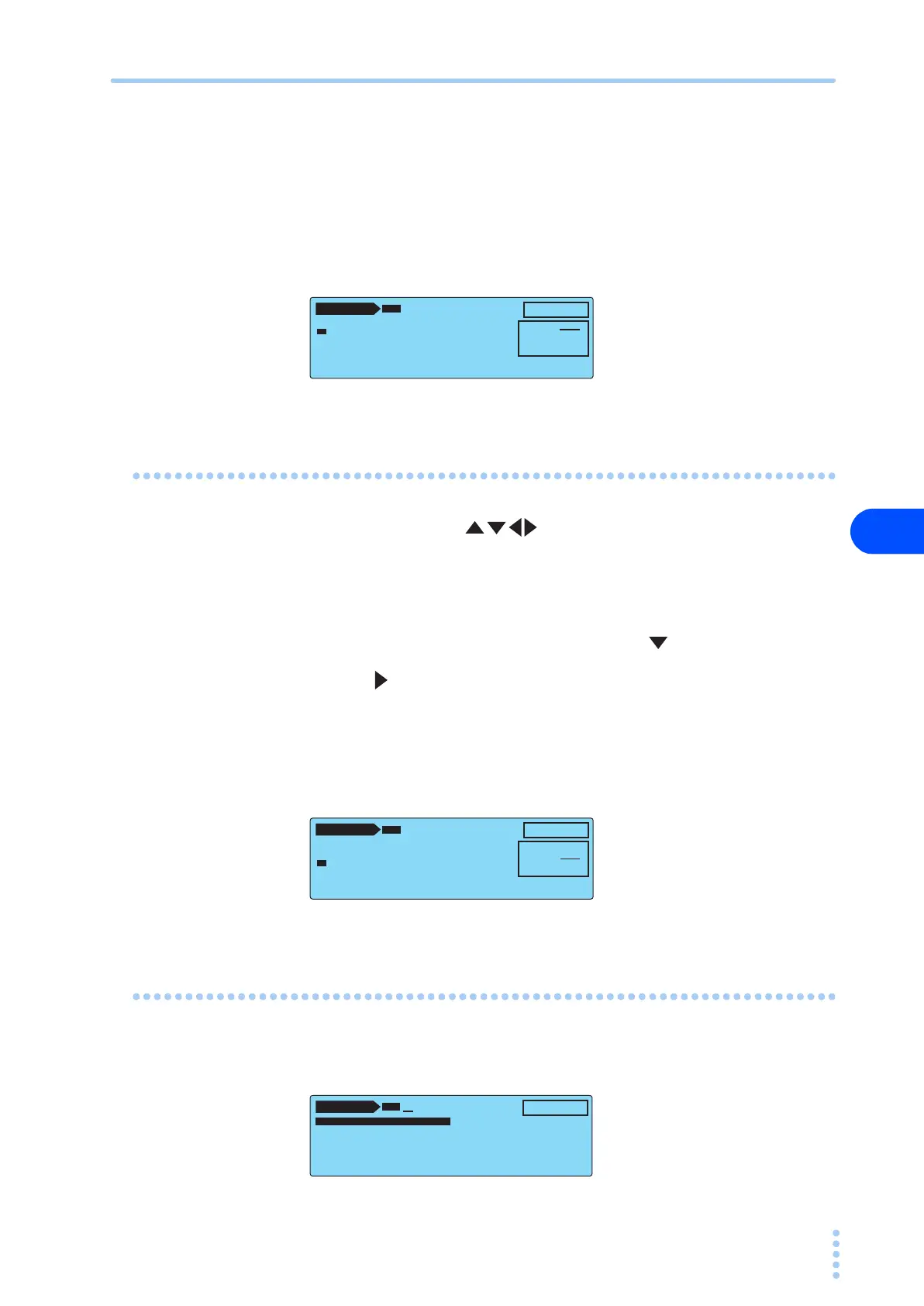
Setting Step 01
1
Press the arrow keys ( ) to select step number 00.
The new step is inserted above the selected step.
2
Press the INS (F1) key to insert a new step.
A copy of step 00 is inserted above step 00.
3
Because step number 00 is selected, press the key to select 01.
4
Press the key to move the underscore to the right by an item.
5
Use the rotary knob to select PCC.
If PCC is selected, the connection destination of the measurement terminal (PROBE) of
the adjacent item will become “– – – –.”
6
Set each item by carrying out the procedure similar to step 00.
Exiting from the Edit Screen
After you are done entering the settings, press the AUTO key.
The setup screen closes, and the screen displays “READY.”
AUTO 1 / 2
NTWK:B MODE:RMS ABORT:OFF
00 TC•E
NCPE––PNRM•NORM––– HOLD
–– END
PRG
01:TEST-1
EDIT
INS LOWER UPPER WAIT TIMER
LOWER : 35µA
UPPER : 500µA
WAIT : OFF
TIMER : 1s
AUTO 1 / 2
NTWK:B MODE:RMS ABORT:OFF
00 TC•E
NCPE––PNRM•NORM––– HOLD
01 PCC––––––P
NRM•NORM––– 1s
–– END
PRG
01:TEST-1
EDIT
INS LOWER UPPER WAIT TIMER
LOWER : OFF
UPPER : 1.00mA
WAIT : OFF
TIMER : 1s
AUTO 1 / 2
00 TC•ENCPE––PNRM•NORM––– HOL
01 PCC––––––P
NRM•NORM––– 1s
–––END
PRG
01:TEST-1
TOTAL: 2
READY



 To Next Page