84
TOS3200
Sequence Program Editing Procedure
Setting Items Common to the Program (All Steps)
1
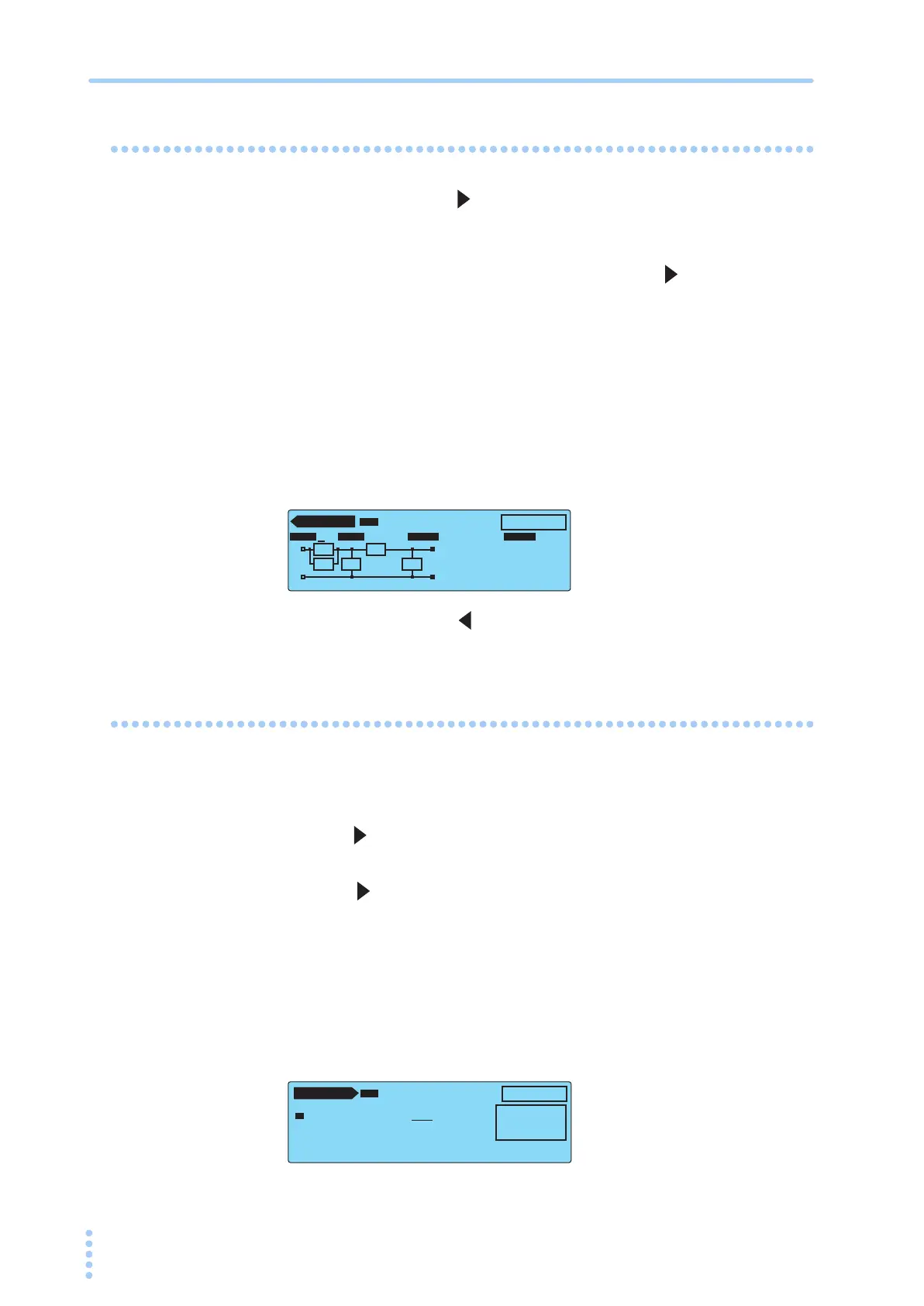
Press the NEXT (SHIFT+ ) key to display the AUTO2/2.
2
Press the TITLE (F1) key to select the program name.
3
Use the rotary knob to select “T,” and press the key to move the
underscore to the right by an item.
4
Use the rotary knob to select “E.”
Repeat similar steps to enter “TEST-1.”
To delete a character, enter a space.
5
After you enter the program name, press the TITLE (F1) key.
6
Press the NTWK (SHIFT+F2) key to set NETWK to B.
Because default settings are used for MODE, RANGE, and ABORT, do not change
these items.
7
Press the PREV (SHIFT+ ) key to display the AUTO1/2.
Setting Step 00
1
Press the INS (F1) key to insert step 00.
Step number 00 is selected.
2
Press the key to move the underscore to the right by a character, and
use the rotary knob to select TC.
3
Press the key to move the underscore to the right by four items to
select the interval.
Because default settings are used for the connection destination of the measurement
terminal (PROBE), polarity of the EUT power line (POL), and single fault mode (COND),
these items are not changed.
4
Use the rotary knob to select HOLD.
By selecting HOLD, step 01 is not executed until you press the START switch again
after step 00 is completed. After removing the test lead from the EUT, you can con-
tinue the test by pressing the START switch.
5
Press the LOWER ON/OFF (SHIFT+F2) key to set LOWER to ON.
AUTO 2 / 2
PRG
01:TEST-1
EDIT
Rs: 1.5 kΩ Cs: 0.22 µF
Rb: 0.5 kΩ C
1: 0.022 µF
R1 : 10 kΩ
RMS AUTO
NTWK MODE RANGE
OFF
ABORT
TITLE NTWK MODE RANGE ABORT
B
A
B
Rs
R1
Cs Rb C1
AUTO 1 / 2
NTWK:B MODE:RMS ABORT:OFF
00 TC•E
NCPE––PNRM•NORM––– HOLD
–– END
PRG
01:TEST-1
EDIT
INS LOWER UPPER WAIT TIMER
LOWER : OFF
UPPER : 15.0mA
WAIT : OFF
TIMER : 1s



 To Next Page