60
TOS3200
Setting Additional Test Conditions
You can set the following functions in the system setup screen (SYSTEM1/5) in addition to
the test conditions of the TC or PCC measurement.
• Maximum value hold function of the measured current (MEAS MODE)
• Hold time of the PASS judgment (PASS HOLD)
• Measured current conversion display (CONV)
• Buzzer volume (BUZ VOL)
Maximum Value Hold Function of the Measured Current
(MEAS MODE)
This function holds and displays the maximum value measured during the test period.
The maximum value is held for a single test. The held value is cleared when the test is com-
pleted.
p. 51
The maximum measured value is not held during the test wait time.
1
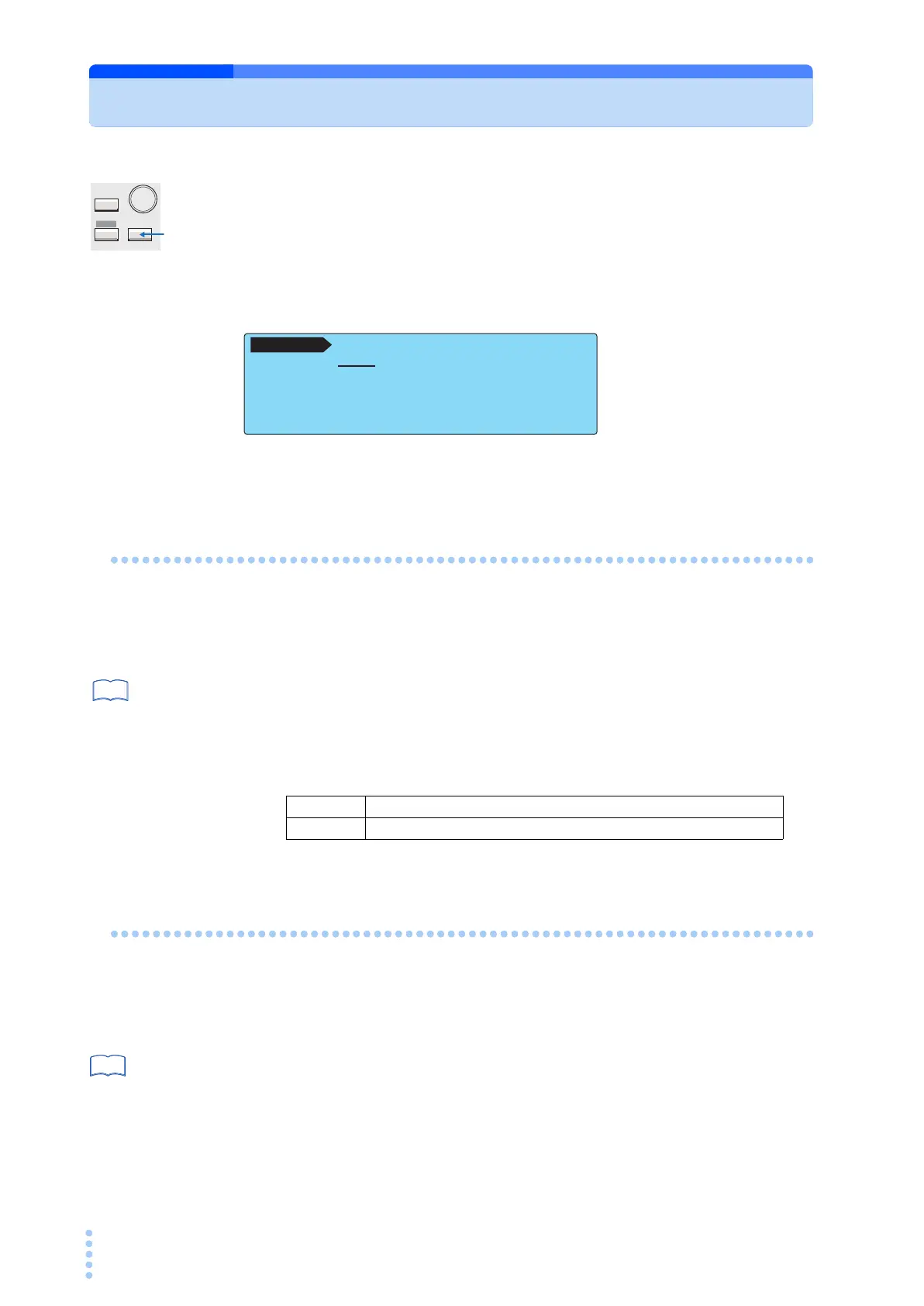
Select the MEAS MODE on SYSTEM1/5.
2
Use the rotary knob to select the NORM or MAX.
Hold Time of the PASS Judgment (PASS HOLD)
The test result data can be stored to the memory when the judgment result is displayed.
If the judgment result is FAIL, the screen will show the FAIL result until you press the STOP
switch. Therefore, you can store the data during this period.
p. 200
On the contrary, the display time of a PASS judgment result is 2.0 s (default value). Thus, you
must store the test result data during this period. If you want to make sure to store the data for
PASS judgments, set the display time of the PASS judgment result (PASS HOLD) to HOLD.
SYSTEM
MANUAL
I / FEDIT
AUTO
MEAS PASS CONV
MEAS MODE :NORM BUZ VOL (PASS) : 3
PASS HOLD : 2.0s BUZ VOL (FAIL) : 3
CONV :OFF CONTRAST : 5
SELV :OFF LINE BRK(AUTO) :ON
SELV <NEXT>
SYSTEM1 / 5
NORM Normal measurement (not hold the maximum value)
MAX Hold the maximum value.
See



 To Next Page