LDI Intellectual Property.
Not for secondary distribution or replication, in part or entirety.
DIGISONDE-4D
SYSTEM MANUAL
VERSION 1.2.11
SECTION 3 - OPERATING INSTRUCTIONS 3-59
3:107. Condition formulas can modify the keyword or its boundaries by adding or subtracting time deltas. For
example, to start a schedule 30 minutes before daylight time in the F region, condition Day.Start-30m is used in
the rule. Time deltas can be specified as negative or positive times in hours, minutes, seconds, milliseconds, or
in schedule iterations (units of schedule duration):
• Time Delta Format 1 (time): [-,+] [Nh] [Km] [Ls] [Mms]
• Time Delta Format 2 (time): [-,+] L.Ms
• Time Delta Format 3 (schedule iterations): Ii
START CONDITIONS
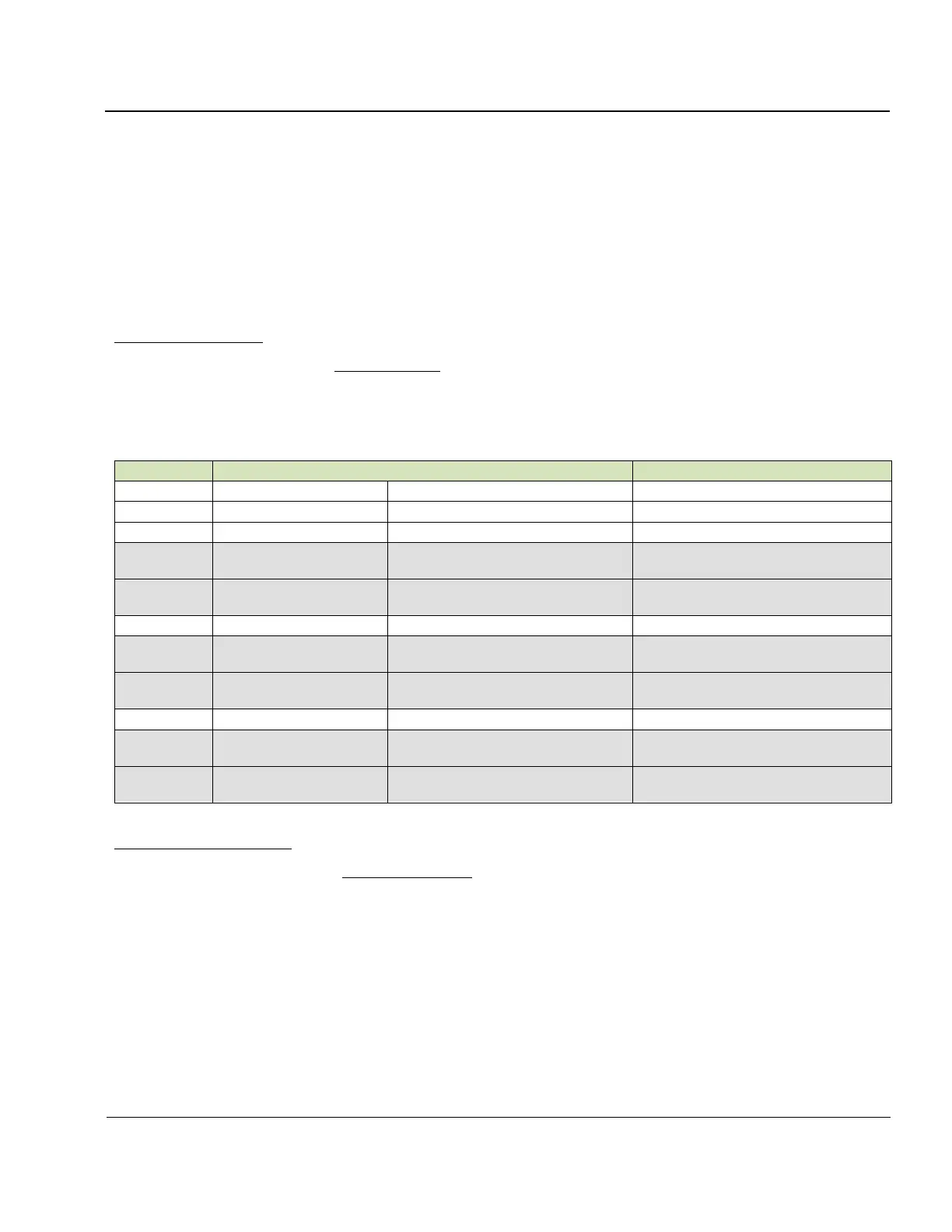
3:108. Table 3-6 lists types of start conditions, in which the schedule starts at the specified time and runs until
another rule condition becomes effective.
Table 3-6. Start Conditions
Start schedule at 10:00UT
Analogous to DPS4 stock scheduler
Start schedule at 10:20UT
Start schedule at 10:20:00.250UT
Start schedule at day start
Calculated individually for all loca-
tions and days of year
Start schedule 30 minutes prior to
day start
Refer to foF2 daily plot to select op-
timal day/night switch
Night.Start is preferred for clarity
Start schedule at night start
Calculated individually for all loca-
tions and days of year
Start schedule 1 hour after night
start
Refer to foF2 daily plot to select op-
timal day/night switch
Day.Start is preferred for clarity
Start this schedule after 1 hour of
previous schedule operations
Start this schedule after 10 iterations
of previous schedule
INTERVAL CONDITIONS
3:109. Table 3-7 lists types of interval conditions, in which the schedule starts and finishes at the specified
times. When the schedule finishes, SST planning algorithm reviews other rules to decide which schedule to run
next.



 To Next Page