WAVERUNNER Xi-A AND MXi-A SERIES
36 WRXi-A-GSM-E Rev A
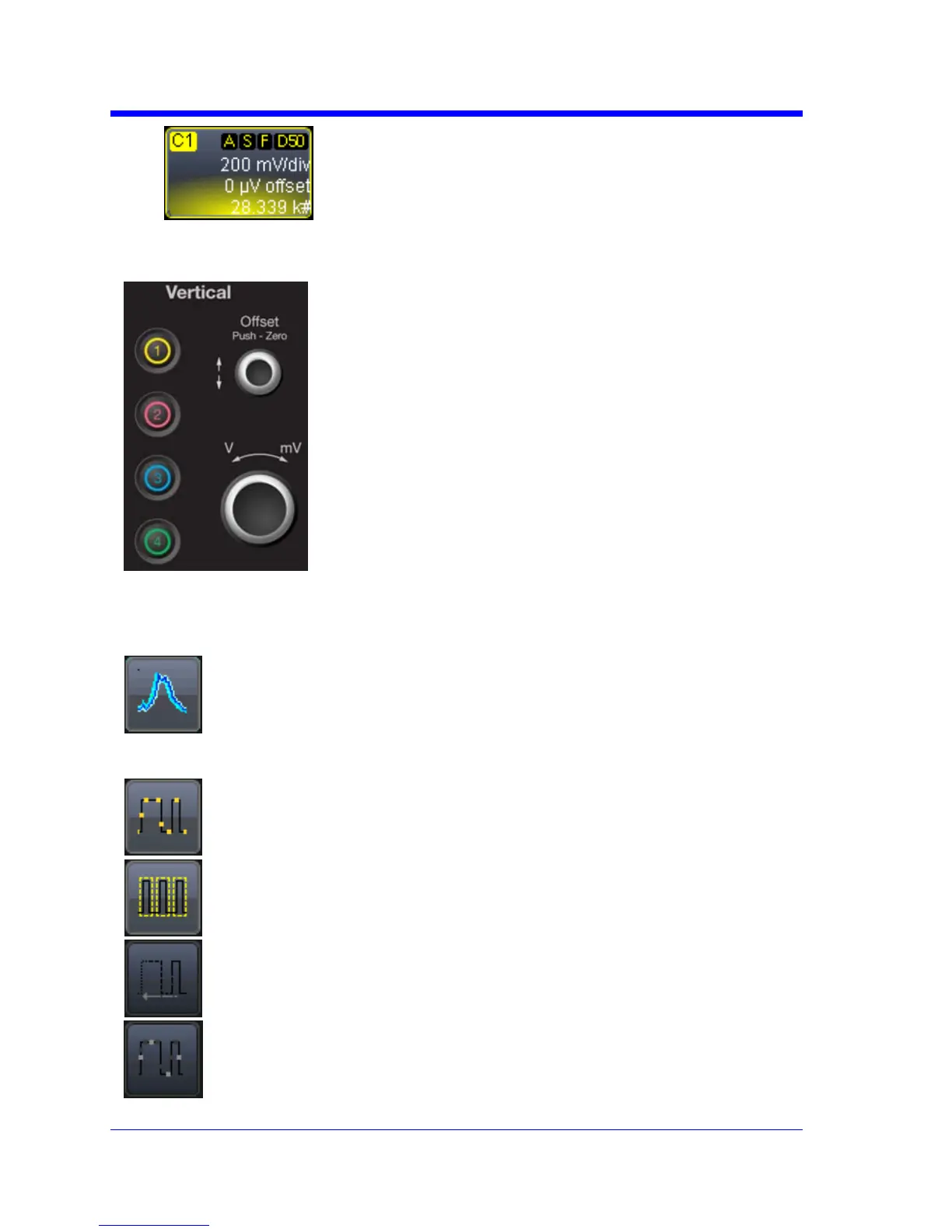
3. Thevoltagethatyousetisdisplayedin
theVolts/Divfieldandinthetrace
descriptorlabel.
AdjustingtheWaveform'sPosition
Turntheverticaloffset adjustknobdirectlyabovethe
channelbuttonwhosewaveformyouwanttomove
vertically.OryoucantouchinsidetheOffsetfieldand
typeinavalueonthepop‐upkeypad.Setthevertical
offsettozerobypressingtheverticaloffsetadjustknob
forthechanne
lyouwanttoadjust.
SAMPLINGMODE S
Dependingonyourtimebase,thefollowingsamplingmodesareavailable:
WaveStreamMode ‐ Thisfastviewingmodeprovidesbrightness‐
gradedintensitywithadecaytimesimilartotheactionofphosphor
onananalogscreen.WaveStreammodeoperatesatupto10GS/s
withanupdaterateupto8000waveforms/secondforbetter
captureofhigherfrequencyabnormalevents.
RealTimeMode ‐ Asingle‐shot(realtime)acquisitionisaseriesof
digitizedvoltagevaluessampledontheinputsignalatauniform
rate.
SequenceMode ‐ Insequencemode,thecompletewaveform
consistsofanumberoffixed‐sizesegmentsacquiredinsingle‐shot
mode
RollMode‐Thismodeisinvokedautomaticallyforslowacquisitions
whenthetimeperdivisionis200ms/divorgreater.Rollmode
samplesat2MS/s(dependingonmemoryavailability).
RISMode‐RandomInterleavedSamplingisanacquisitiontechnique
thatallowseffectivesamplingrateshigherthanthemaximumsingle‐
shotsamplingrate.Itisusedonrepetitivewaveformswithastable
trigger





 To Next Page