Viva Series, Coordinate Systems 151
8.2 Accessing Coordinate System Management
Access
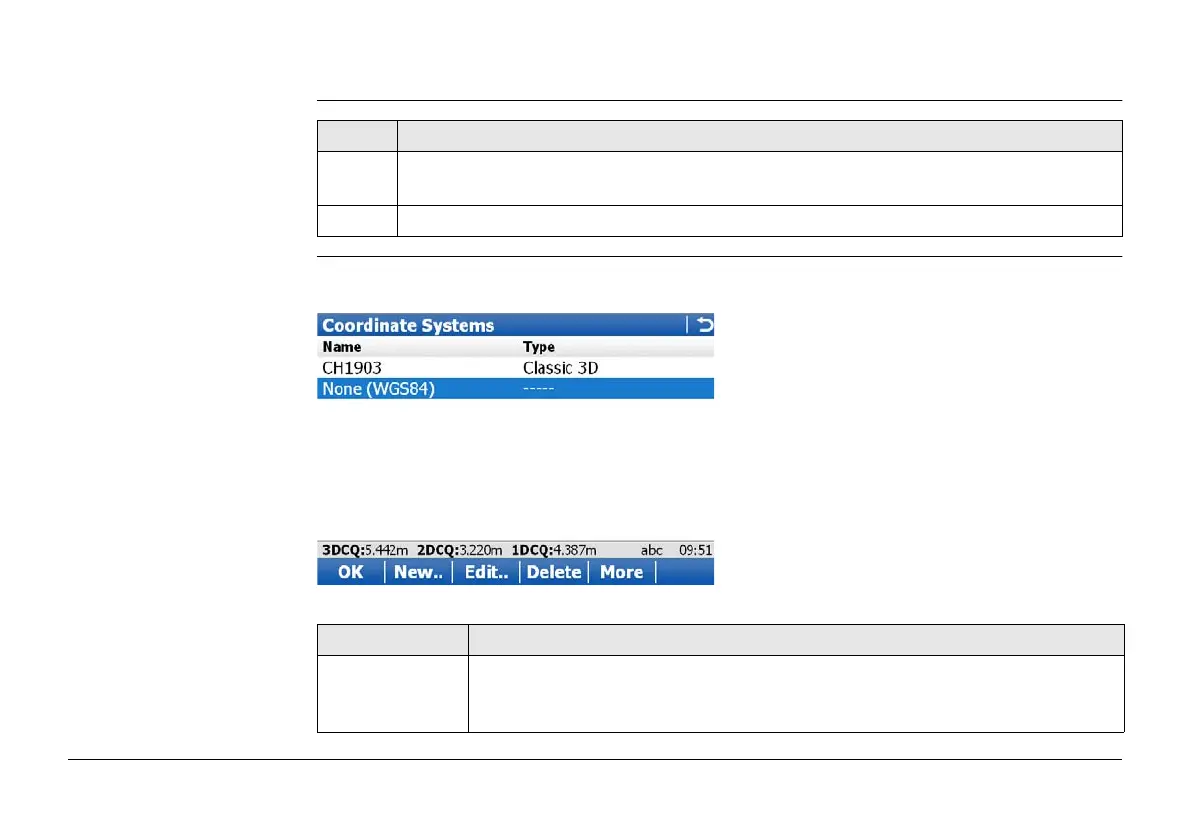
Coordinate Systems Listed are all coordinate systems stored in the database DBX. Any unavailable information
is shown as -----.
Step Description
1. Go to Job Properties:, Coord system page when creating a new job or editing an
existing working or control job.
2. Open the selectable list for Coord system.
Key Description
OK To select the highlighted coordinate system and to return to the previous
screen. With a data storage device inserted, the selected coordinate
system will be attached to the working job.



 To Next Page