Viva Series, TPS Settings 41
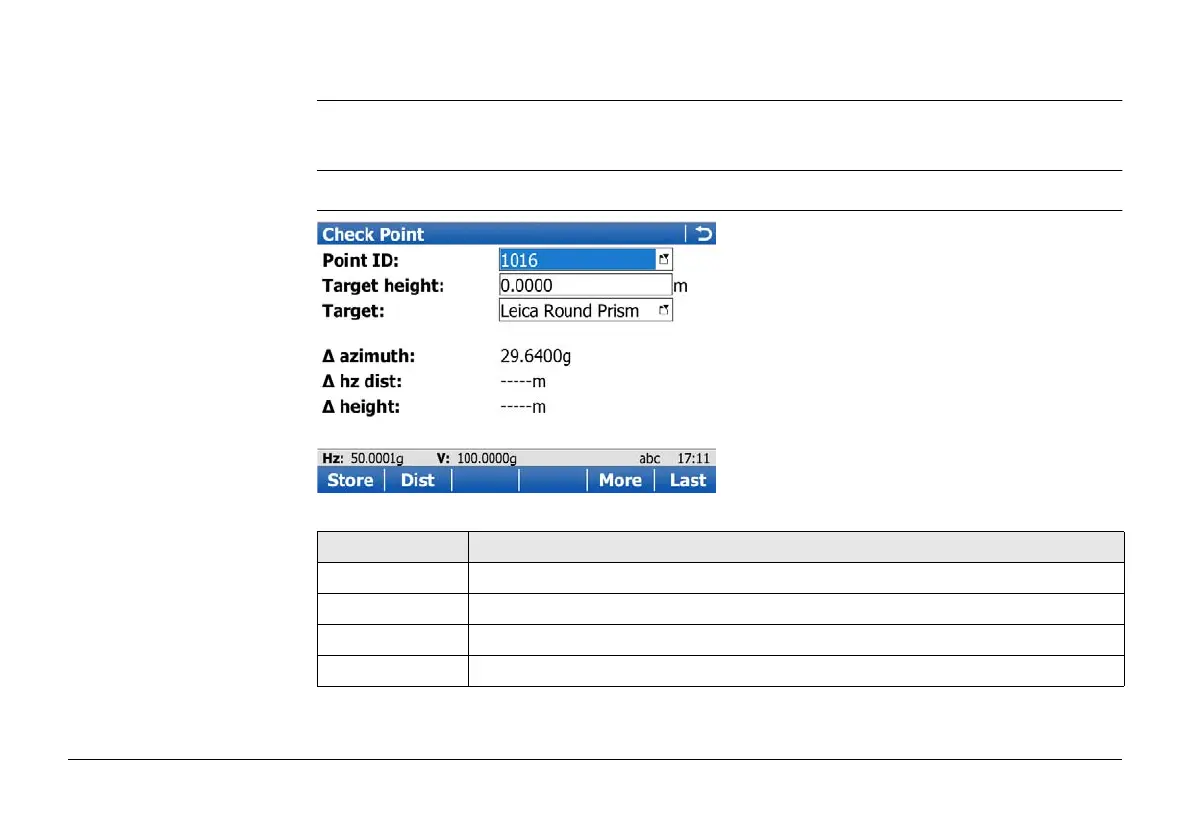
2.2 Check Point
Description This screen is used to check if a measured point is identical to a point already stored in the
job, or if the instruments orientation to a backsight point is still correct.
Access In Leica TPS Favourites click Check point.
Check Point
Key Description
Store To store the point and return to Main Menu.
Dist To measure a distance.
More To display additional information.
Last To recall the point ID of the last checked point.



 To Next Page