Viva Series, TPS Settings 44
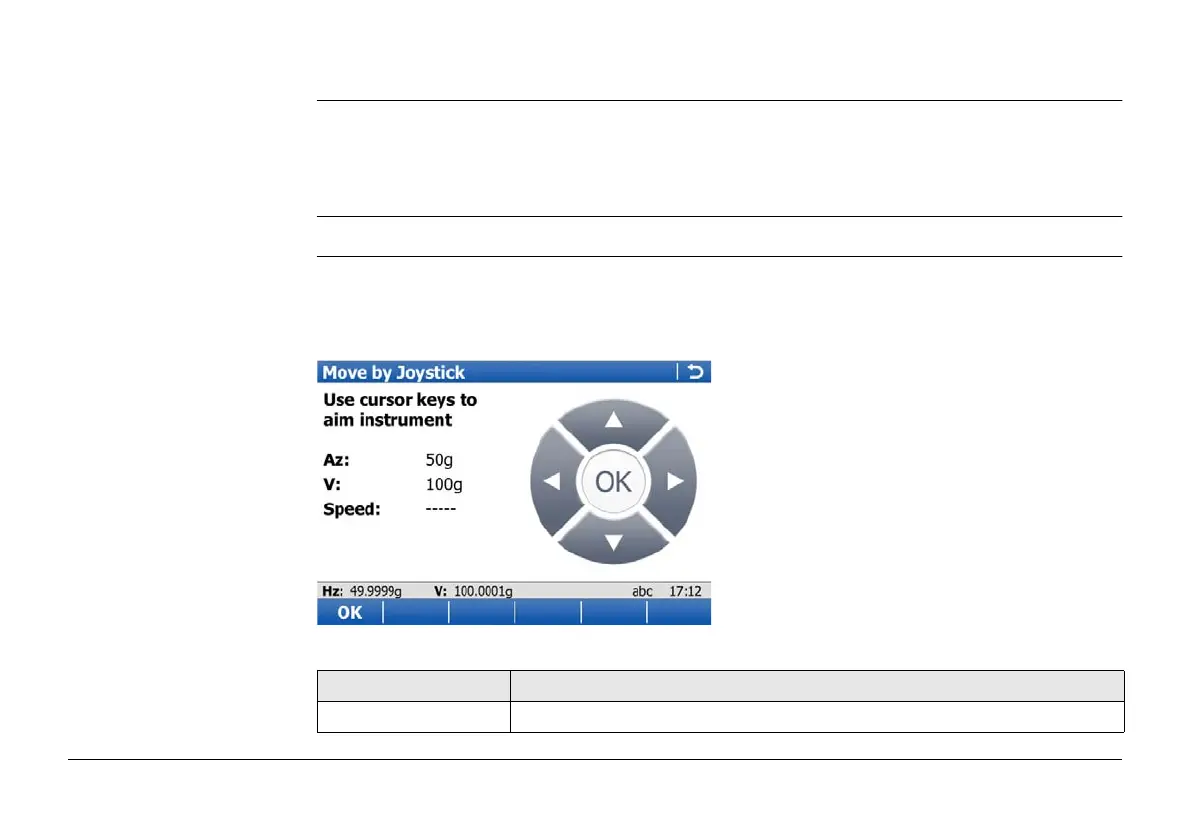
2.3 Joystick
Description The instrument can be turned using the keyboard arrow keys on the instrument or field
controller, or the arrow keys displayed on the touch screen.
When this screen is accessed, the EGL is turned on automatically. When leaving the screen,
the EGL is turned off.
Access In Leica TPS Favourites click Joystick.
Move by Joystick Use the arrow keys to start the telescope movement.
Press an arrow key again to speed up the movement. Press any of the other arrow keys
while the instrument turns to stop the movement.
Press OK to stop the instrument movement.
Key Description
OK To return to Main Menu.



 To Next Page