Viva Series, Configuration of Devices 458
20.3 Creating/Editing a Device
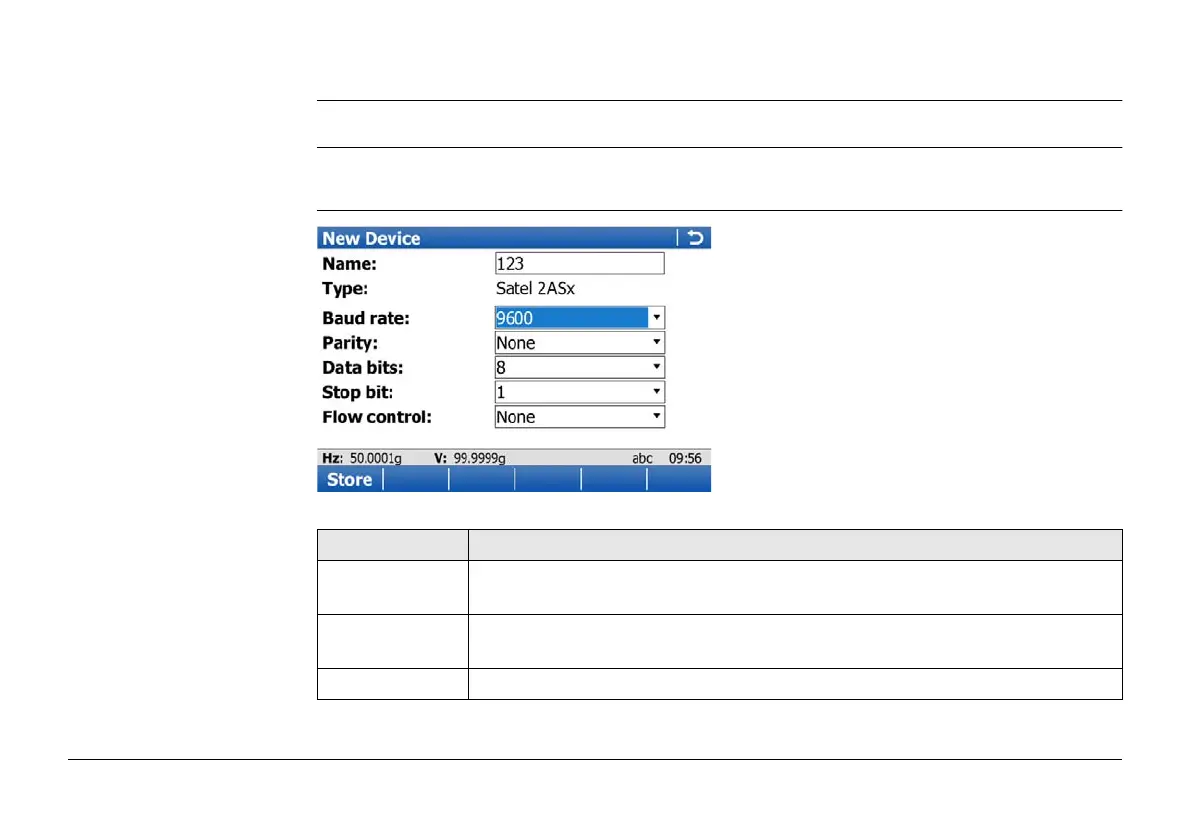
Description Allows a new device to be configured or an existing device to be edited.
Access In Devices, highlight a device of the same type as the device to be created, from the list.
Press New.. or Edit...
New Device or Edit
Device
Key Description
Store To store the new device and to return to the screen from where this
screen was accessed.
AT Msg Available for digital cellular phones and modems. To configure communi-
cation commands.
Fn Quit To exit the screen.



 To Next Page