Viva Series, Jobs & Data - Jobs 84
5.4 Choosing a Job
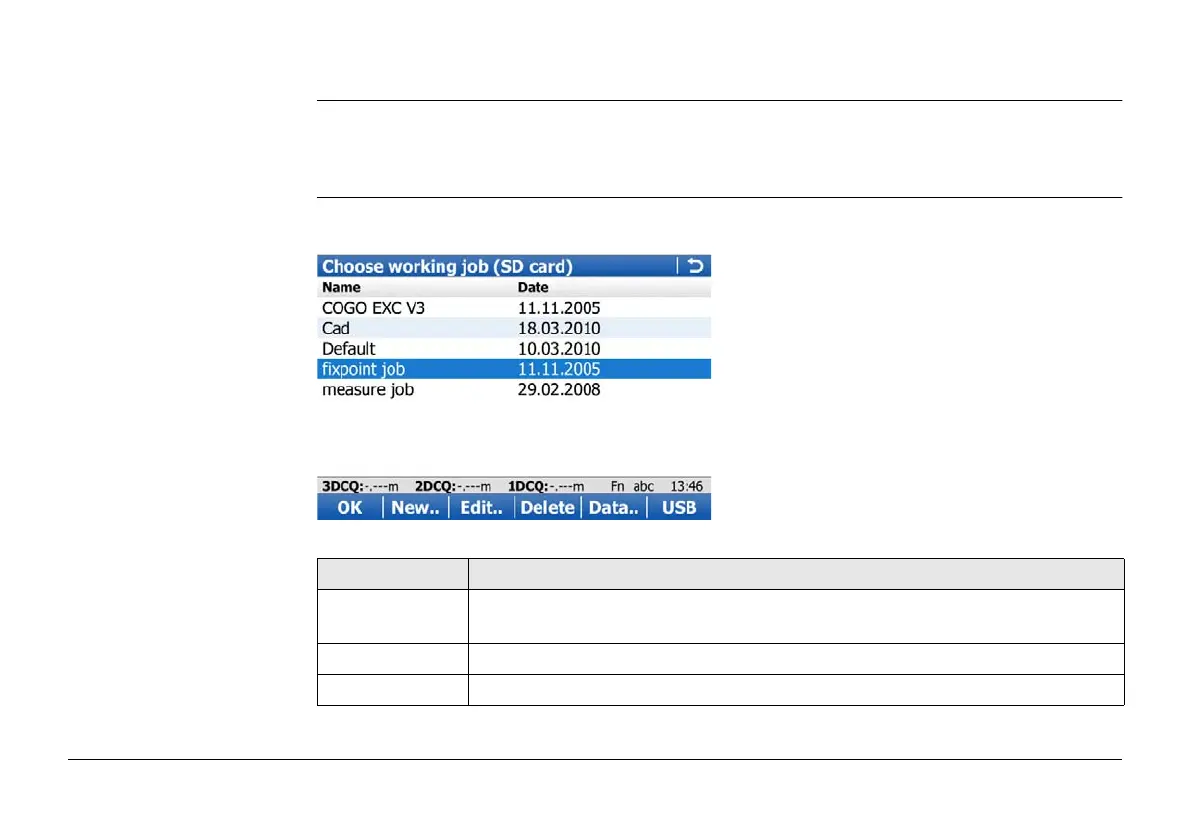
Access • For a working job, where measured points are stored to, select Main Menu: Jobs &
Data\Choose working job.
• For a control job with control points, select Main Menu: Jobs & Data\Choose control job.
Choose working job Listed are all data jobs stored on the data storage device or in the internal memory
depending on the current device.
Key Description
OK To select the highlighted job and to return to the screen from where this
screen was accessed.
New.. To create a job. Refer to "5.2 Creating a New Job".
Edit.. To edit the highlighted job. Refer to "5.3 Job Properties and Editing a Job".



 To Next Page