Viva Series, User - System settings 595
28.3 Screen & audio
Description The settings on this screen allow the screen appearance to be configured, turn the notifica-
tion beeps on and off and define the behaviour of the keys. The settings are stored on the
field controller itself. If the field controller is exchanged, the settings stored on the new field
controller apply.
Access Select Main Menu: User\System settings\Screen & audio.
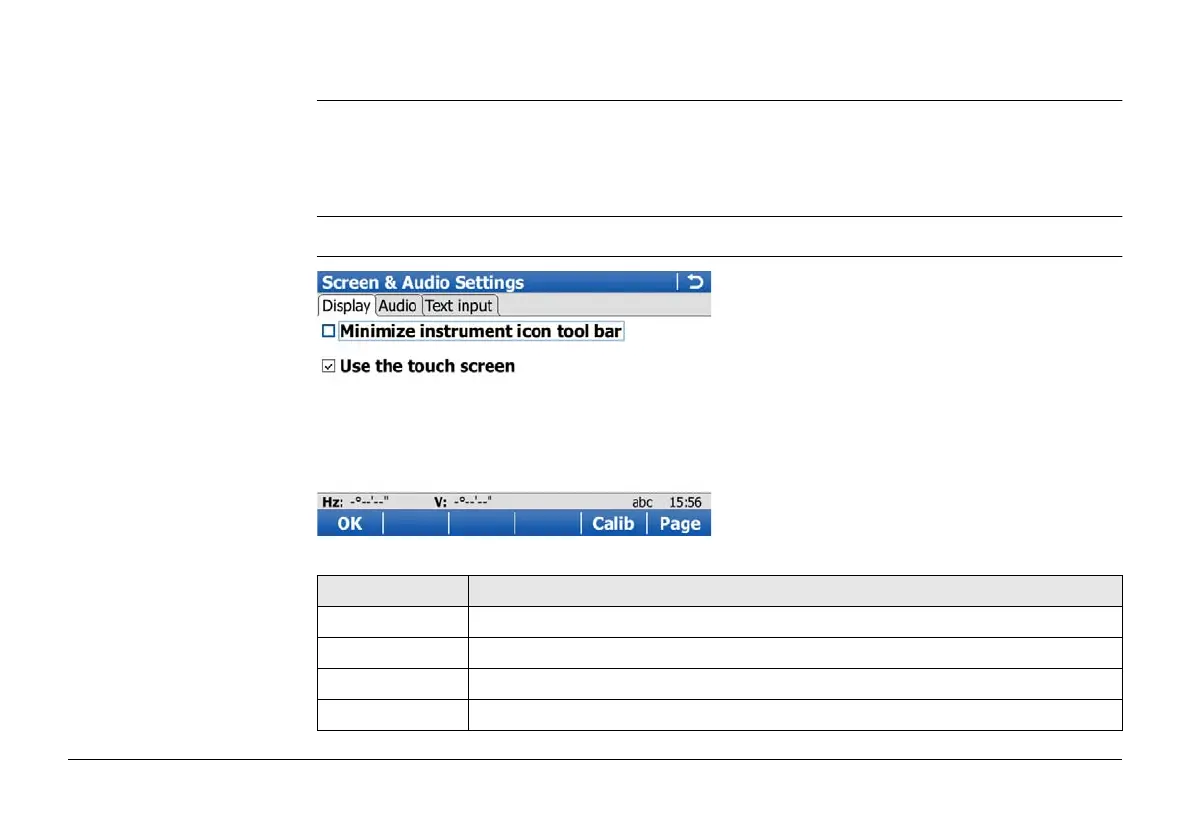
Screen & Audio Settings,
Screen page
Key Description
OK To accept changes and return to Main Menu.
Calib To calibrate the touch screen.
Page To change to another page on this screen.
Fn Quit To exit the screen.



 To Next Page