Viva Series, Main Menu 56
4.2 Go to Work!
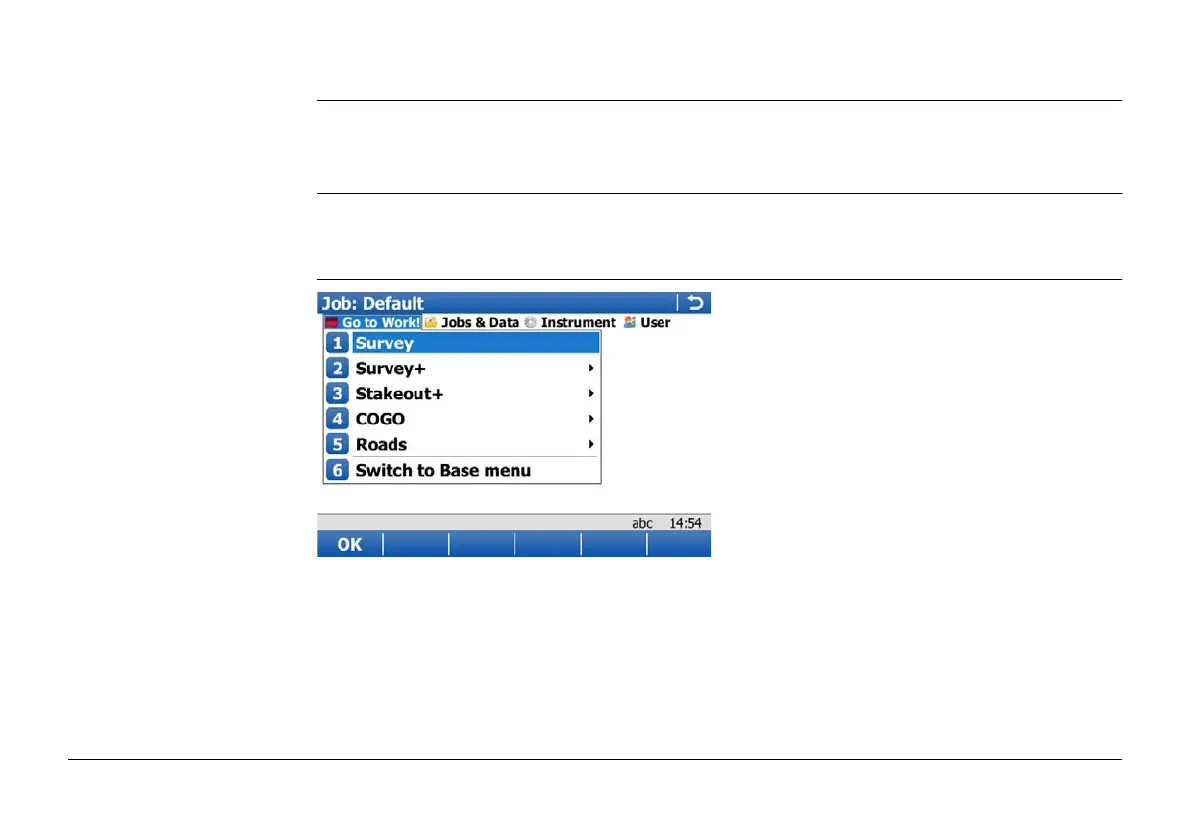
Description The Go to Work! menu contains all loaded applications. Selecting an option in the menu
starts the application. Configurations and measurements that can be performed depend on
the application.
)
The menu can be displayed as drop-down menu or as icon menu. To change between both
options go to User\System Settings\SmartWorx options. Change to the General page and
check or uncheck Use drop down menus in the main menu.
Go to Work!



 To Next Page