Viva Series, Instrument - GPS settings 264
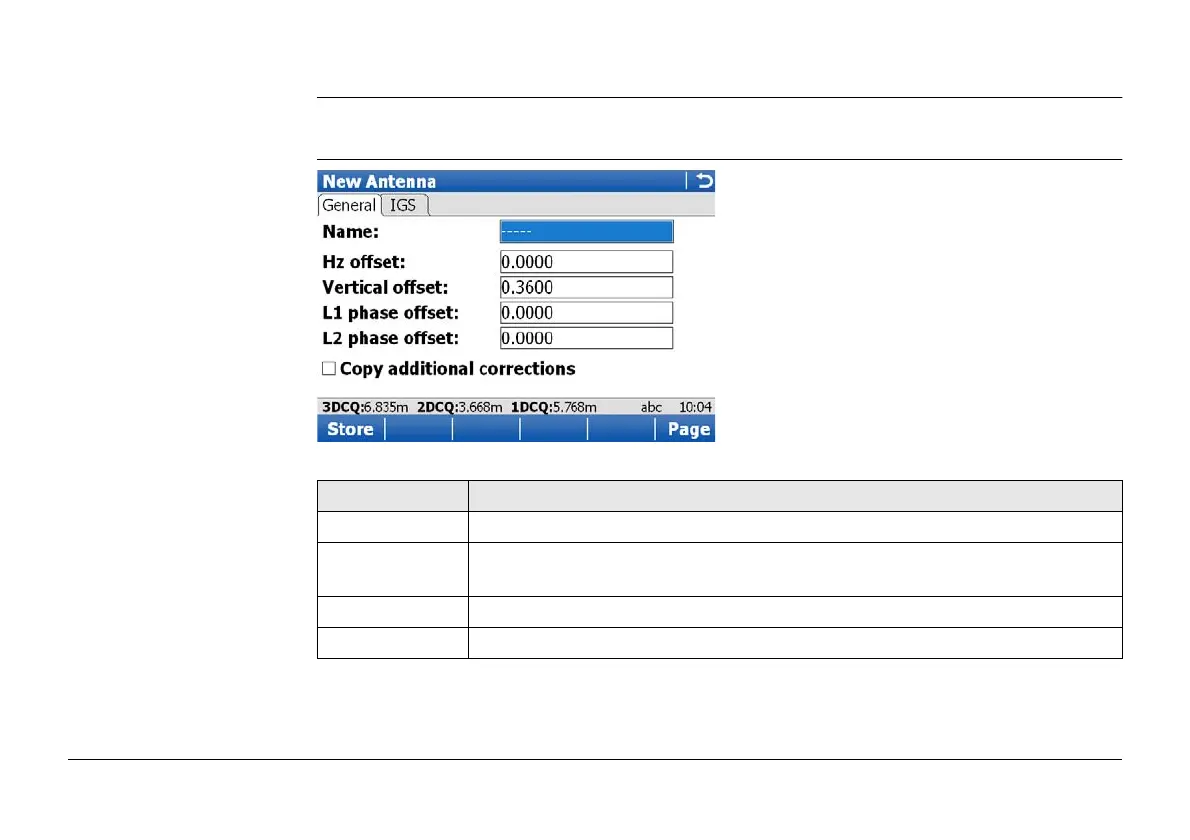
12.3.3 Creating/Editing an Antenna
Access In Antennas, highlight an antenna. All offsets are copied from this antenna. Press New.. or
Edit...
New Antenna or Edit
Antenna,
General page
Key Description
Store To store the antenna.
Clear To set the editable fields to 0. Available on the Parameters and the
Advanced page.
Page To change to another page on this screen.
Fn Quit To exit the screen.



 To Next Page