Viva Series, Configurable Keys 35
1.2 Favourites Key
Description
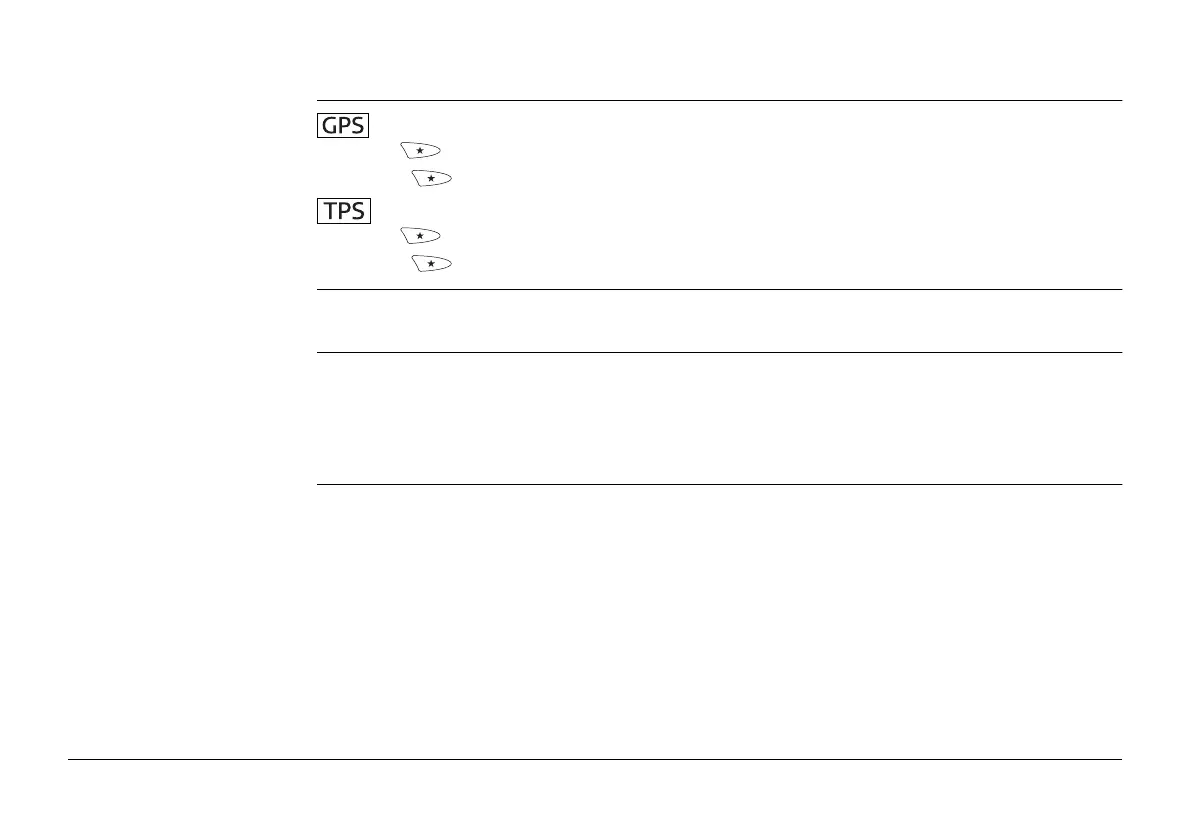
•Fn opens the My GPS Favourites menu.
• The key alone opens the Leica GPS Favourites menu.
•Fn opens the My TPS Favourites menu.
• The key alone opens Leica TPS Favourites.
)
The following chapter is about the My GPS Favourites and My TPS Favourites menus only.
Refer to Leica TPS Favourites for more information about Leica TPS Favourites.
Functionality of the
favourites menu
The My GPS Favourites and My TPS Favourites menus can be configured to contain the
most used functions or applications. The favourites menu cannot be accessed while in a
configuration screen.
Selecting an option in the menu carries out the function or starts the application assigned
to the option.
My favourites menu The following screen is an example of what a My GPS Favourites or My TPS Favourites
menu can look like. The softkeys and their order is fixed. The functions and applications



 To Next Page