Viva Series, Reference Line 970
41.4.2 Manually Entering a Reference Line/Arc
Access Press OK in Choose Control Job.
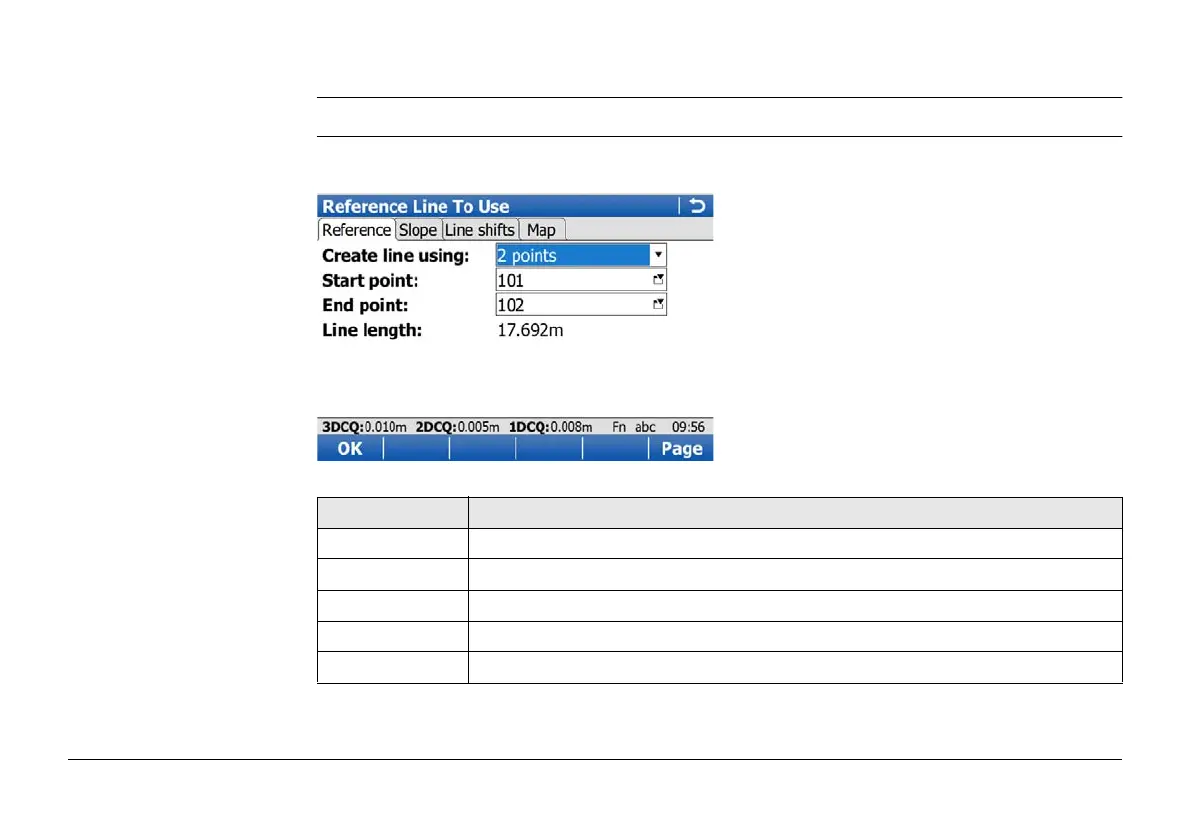
Reference Line To Use/
Reference Arc To Use,
Reference page
The explanations for the softkeys given here are valid as indicated.
For all point fields, the MapView interactive display can be used to select the desired point.
Key Description
OK To accept changes and continue with the subsequent screen.
Survy.. To manually measure a point. Available when a point field is highlighted.
Page To change to another page on this screen.
Fn Config.. To configure the Reference Line application.
Fn Quit To exit the screen.



 To Next Page