Viva Series, Camera & Imaging 660
32.3.2 Outside of Applications
Access Press a function key configured with the option User - Use camera.
OR
Click .
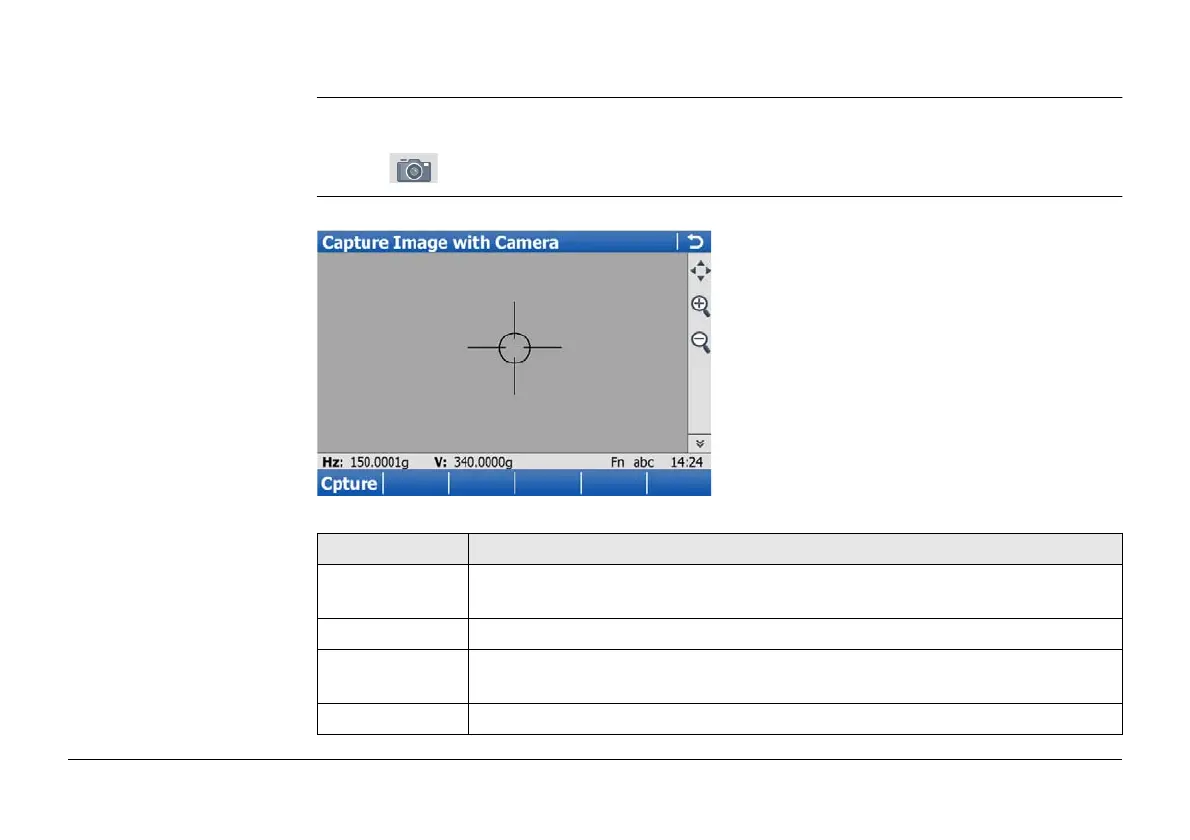
Capture Image with
Camera
For each camera available, one page is shown on this screen.
Key Description
Cpture To take an image with the current pixel resolution. The image is then
displayed but not stored on the memory device yet.
Page To change to another page on this screen.
Fn Config.. To configure the camera. Refer to "32.2 Instrument - TPS camera
settings".
Fn Quit To exit the screen.



 To Next Page