Viva Series, MapView Interactive Display Feature 735
36.5 Selecting Points, Lines and Areas
Selecting a
point/line/area using
the touch screen step-
by-step
The instructions for selecting a point using the softkeys can be applied for lines and areas.
Step Description Display
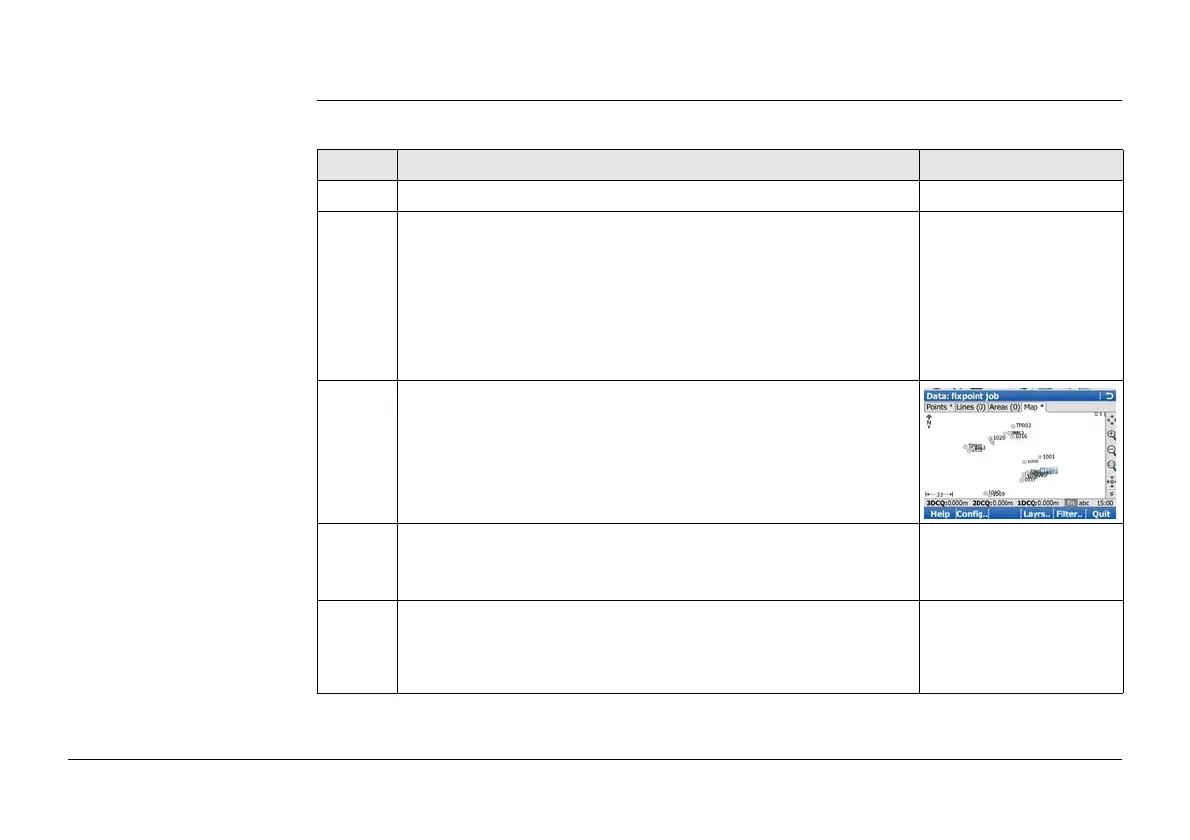
1. Go to Data:, Map page.
)
If no point field is highlighted on the previous page when
the Map page is accessed, then any point that is selected
will be assigned to the first point field on the previous
page, the second point to the second point field, etc.
If a point field is highlighted when the Map page is
accessed then the point selected will be assigned to that
field.
2. Tap on the point to be selected.
)
When there are multiple points within the same area and
the precise selection is unclear, tapping on the point will
access Select Point.
3. Have multiple points been selected?
• If yes, continue with step 4.
• If no, continue with step 5.



 To Next Page