Viva Series, MapView Interactive Display Feature 736
Select a point/line/area
without touch screen
Without touch screen or when Use the touch screen is not checked in Screen & Audio
Settings, Screen page, points, lines and areas can only be selected using the selectable lists.
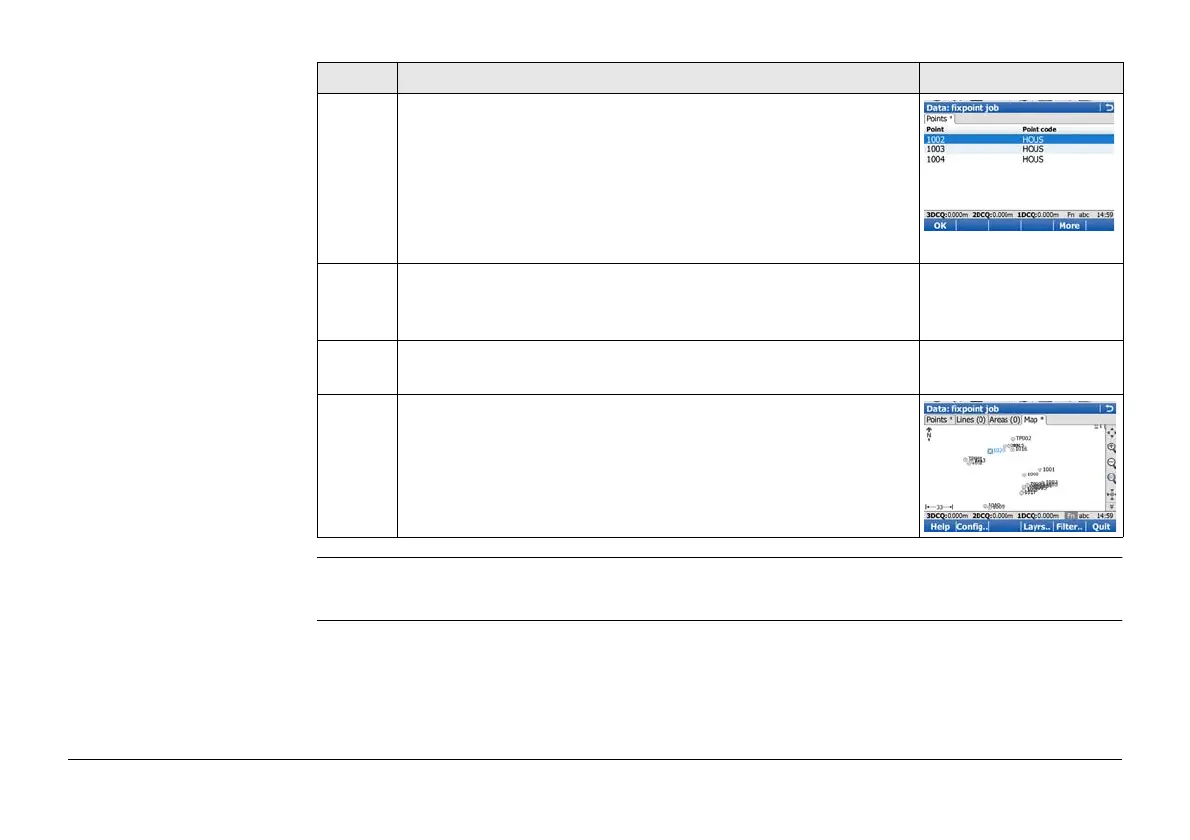
4. Select Point
Point ID The ID of the points within range of the point
selection.
Point code The code of the points within range of the
point selection.
Select the desired point.
)
More to display information about the point code, the 3D
coordinate quality and class, the time the point was stored
and the date the point was stored.
5. OK returns to Data:, Map page with the focus on the
selected point.
6. A square is centred on the selected point and the point
parameter text is highlighted.
Step Description Display



 To Next Page