Viva Series, User - System settings 593
28.2 SmartWorx options
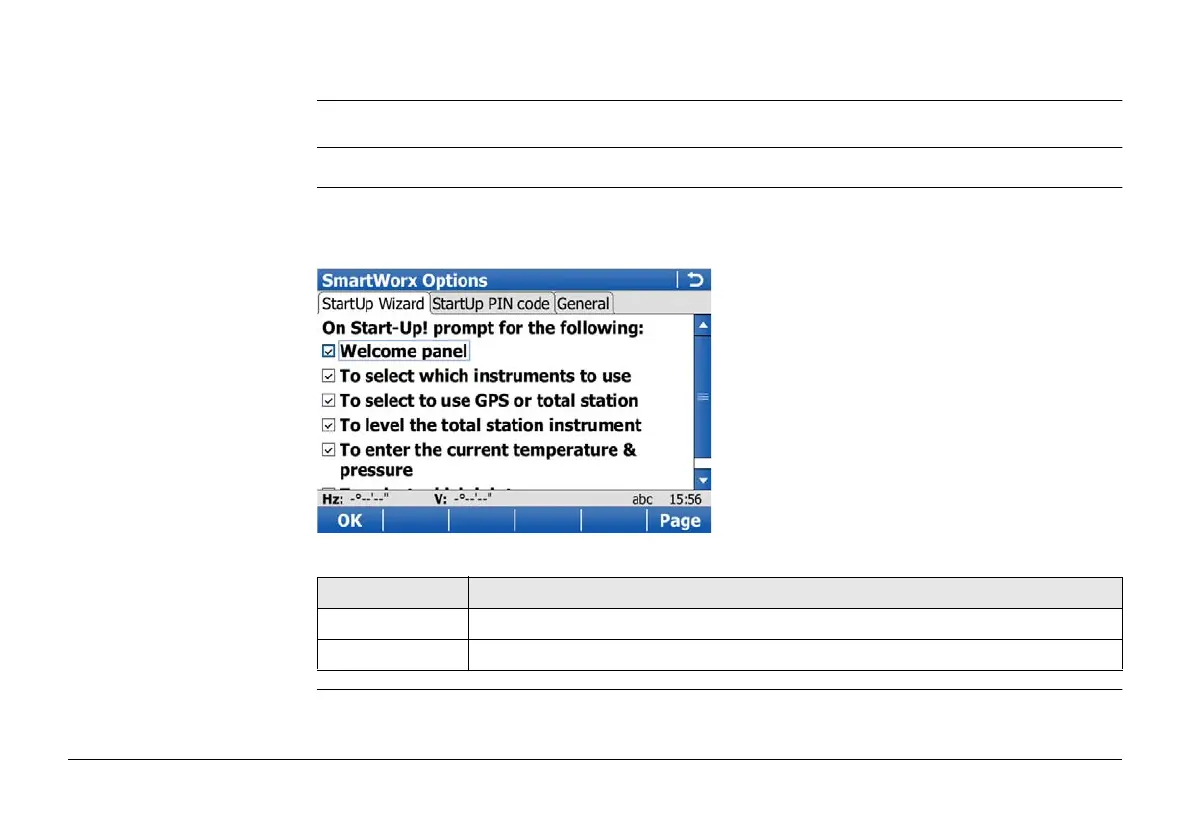
Description The settings on this screen define the behaviour of the instrument for a general start up.
Access Select Main Menu: User\System settings\SmartWorx options.
Welcome to SmartWorx
Viva!
If a check box is checked, the corresponding screen is shown during start up.
If all check boxes are unchecked, then, after turning on the instrument, the Main Menu is
accessed immediately.
Key Description
OK To accept changes and return to Main Menu.
Fn Quit To exit the screen.



 To Next Page