Viva Series, Reference Line 974
41.4.3 Selecting a Reference Line/Arc from the Job
Access Press OK in Choose Control Job.
Description New reference lines/arcs can be created, existing reference lines/arcs can be edited and
previously entered reference lines/arcs can be selected from the control job.
Reference Line To Use/
Reference Arc To Use,
Reference page
Refer to "41.4.2 Manually Entering a Reference Line/Arc" for a description of softkeys.
Description of fields
Next step
For a description of the other pages refer to "41.4.4 Defining Reference Line/Arc Slopes"
and "41.4.5 Defining Reference Line/Arc Shifts".
Highlight Reference line or Reference arc and press to access Manage Reference
Lines/Manage Reference Arcs.
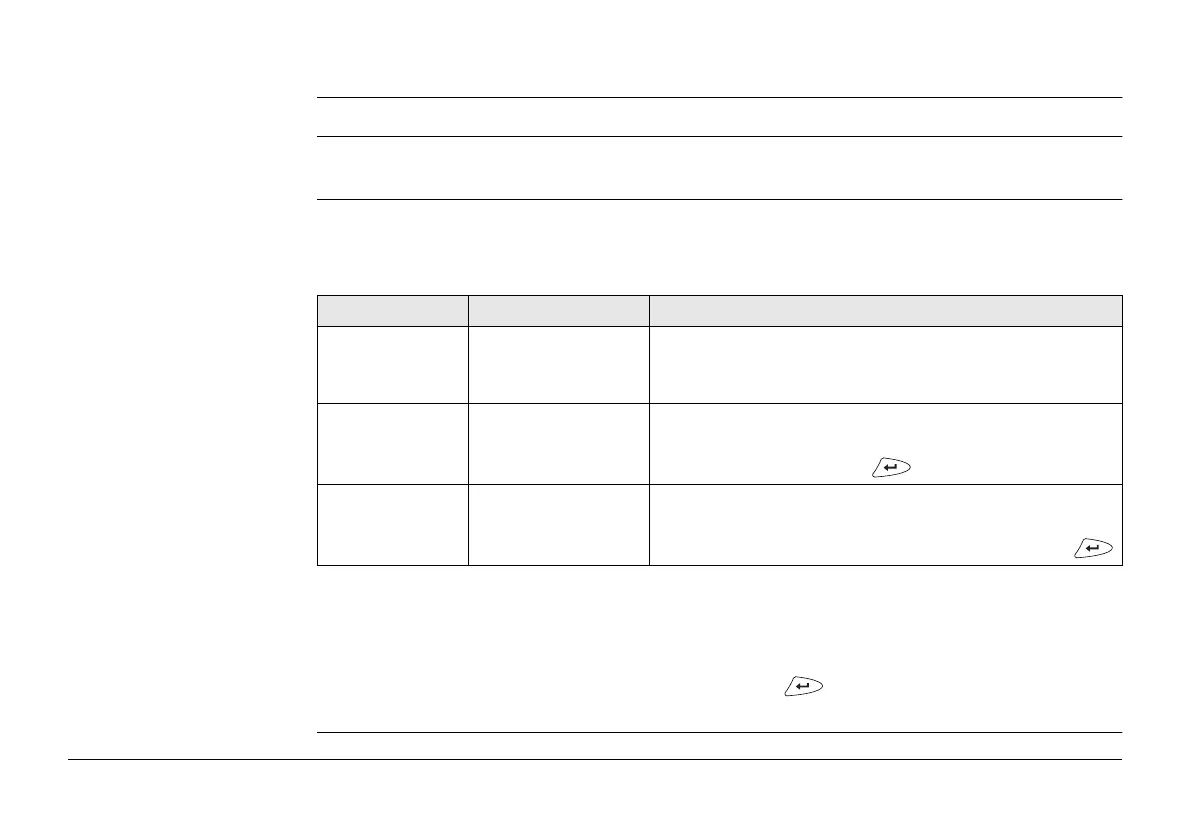
Field Option Description
Create line
using / Create
arc using
Select existing line
or Select existing
arc
Select these options to enter a reference line/arc
manually. For the other available options refer to
"41.4.2 Manually Entering a Reference Line/Arc".
Reference line Selectable list The reference line to be used. If the desired refer-
ence line must be created, edited or selected, high-
light this field and press .
Reference arc Selectable list The reference arc to be used. Open the list to select
an arc. If the desired reference arc must be created,
edited or selected, highlight this field and press .


 To Next Page