Viva Series, User - Work settings 533
24.4 Hot keys & favourites
Description The settings on this screen assign functions, screens or applications to each of the first and
second level of hot keys, and the favourites key.
Access Select Main Menu: User\Work settings\Hot keys & favourites.
OR
Hold a hot key down for two seconds. This action is also possible after pressing Fn.
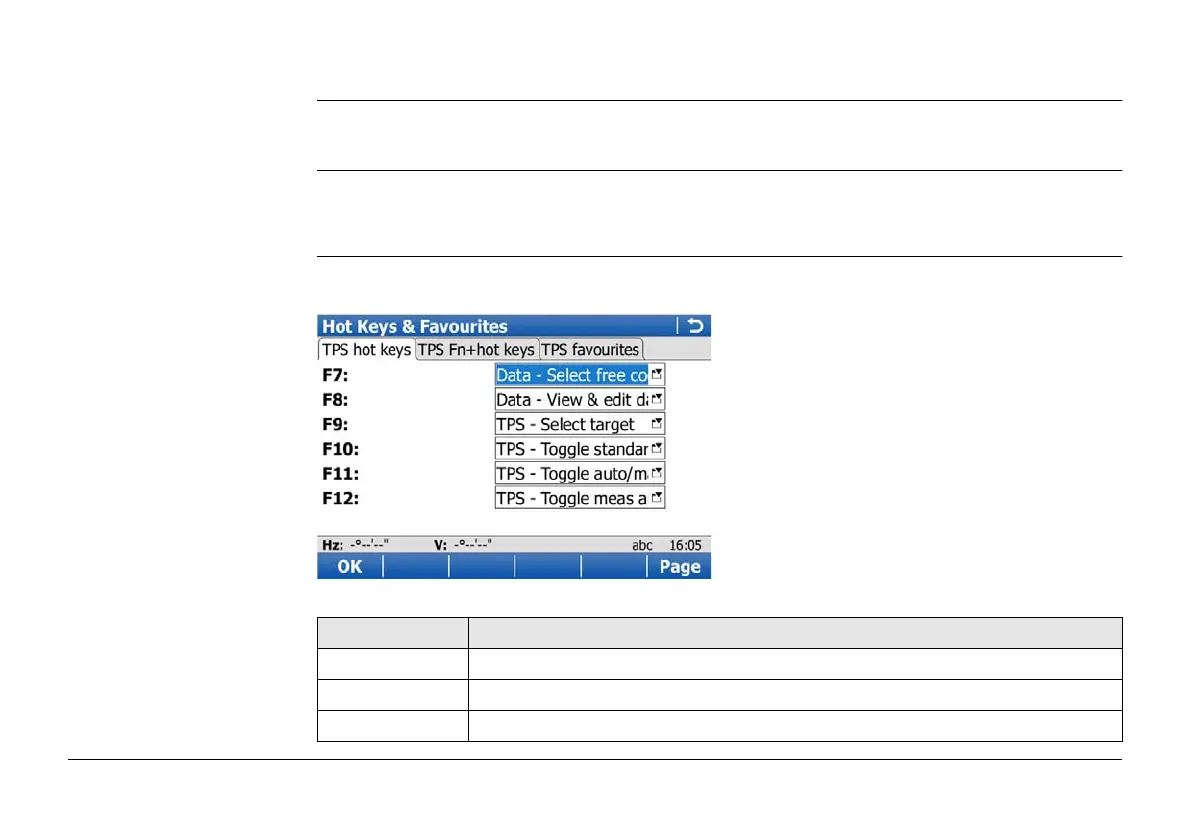
Hot Keys & Favourites,
GPS Hot Keys/TPS Hot
Keys page
To configure the first level of hot keys.
This page is only available for CS15 models. CS10 models do not have hot keys.
Key Description
OK To accept changes and return to Main Menu.
Page To change to another page on this screen.
Fn Quit To exit the screen.



 To Next Page