Viva Series, Camera & Imaging 677
32.5.2 Field Sketching
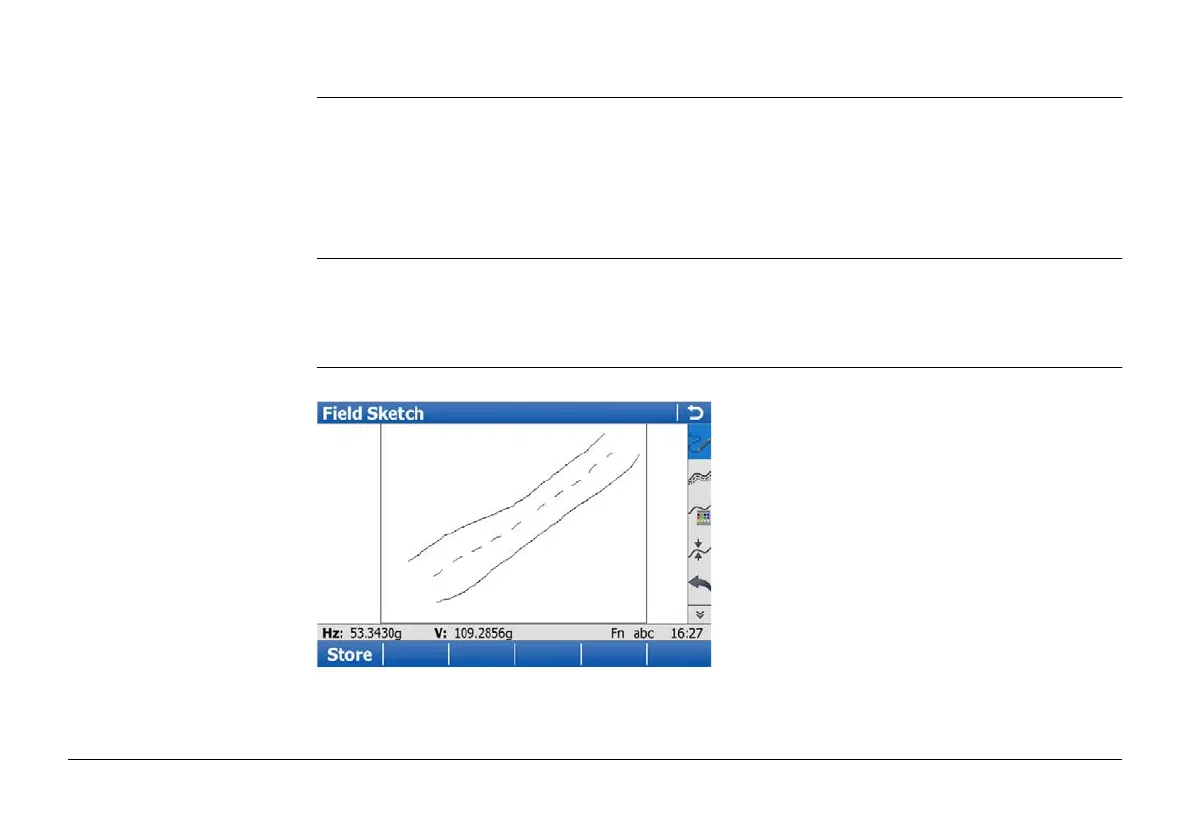
Description The field sketch functionality is used to create a sketch on a virtual paper.
The sketch is stored as image in jpg format. The jpg file is stored in the DBX\JOB\IMAGES
folder of the working job.
A screenshot can not be made from the field sketch.
Access In Leica TPS Favourites or Leica GPS Favourites click Sketch Pad.
OR
Press a hot key configured to access the screen Sketch Pad. Refer to "24.4 Hot keys &
favourites" for information on hot keys.
Sketch Pad Refer to "Overview of keys, softkeys and touch icons" for information on the toolbar.


 To Next Page