Viva Series, COGO 749
38.3 Configuring COGO
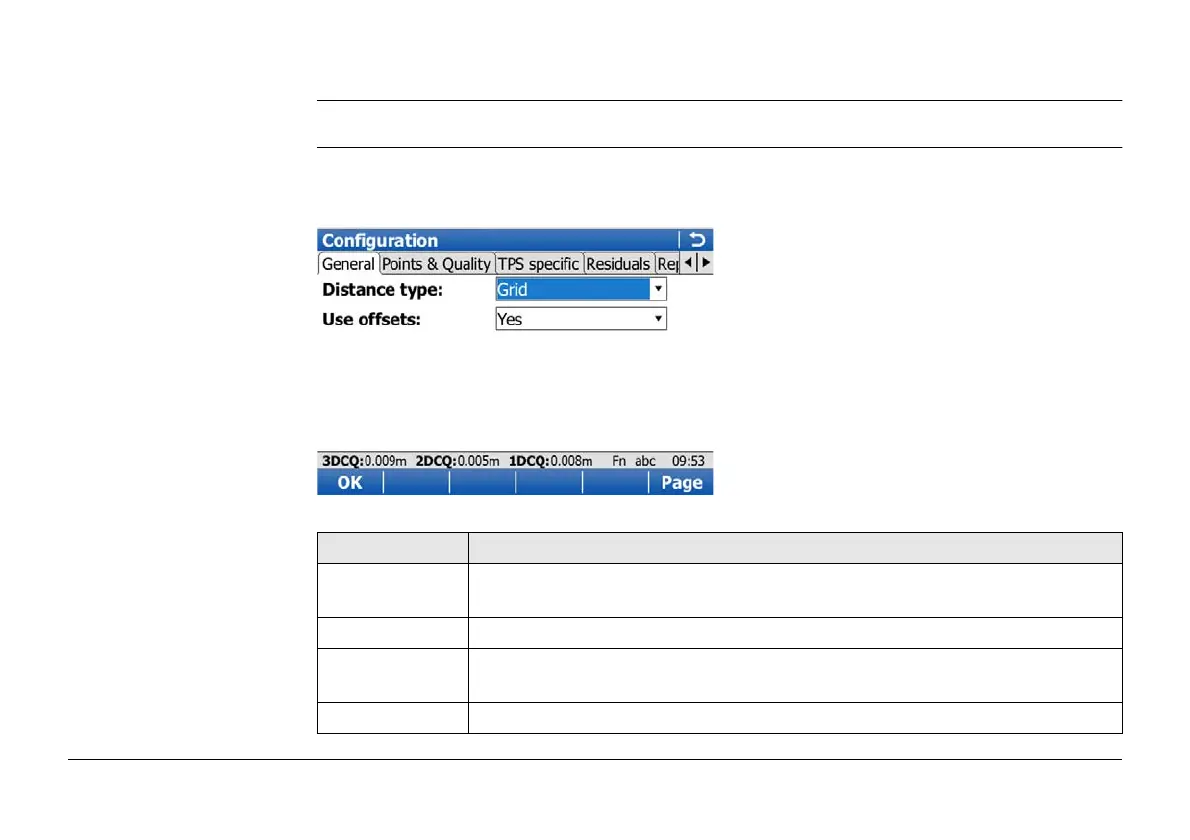
Access Press Fn Config.. in the Input screen of any COGO calculation method.
Configuration,
General page
This screen consists of the General page, Points & Quality page, TPS specific page, Resid-
uals page and the Report sheet page. The explanations given for the softkeys given are valid
for all pages.
Key Description
OK To accept changes and return to the screen from where this screen was
accessed.
Page To change to another page on this screen.
Fn About To display information about the program name, the version number, the
date of the version, the copyright and the article number.
Fn Quit To exit COGO calculation.



 To Next Page