Viva Series, Jobs & Data - Import data 190
Description of columns
Next step
OK start the import.
Select Layers to Import,
for LandXML Road/Rail
data, Terramodel Road
data and Carlson Road
data
Fn Quit To exit the application.
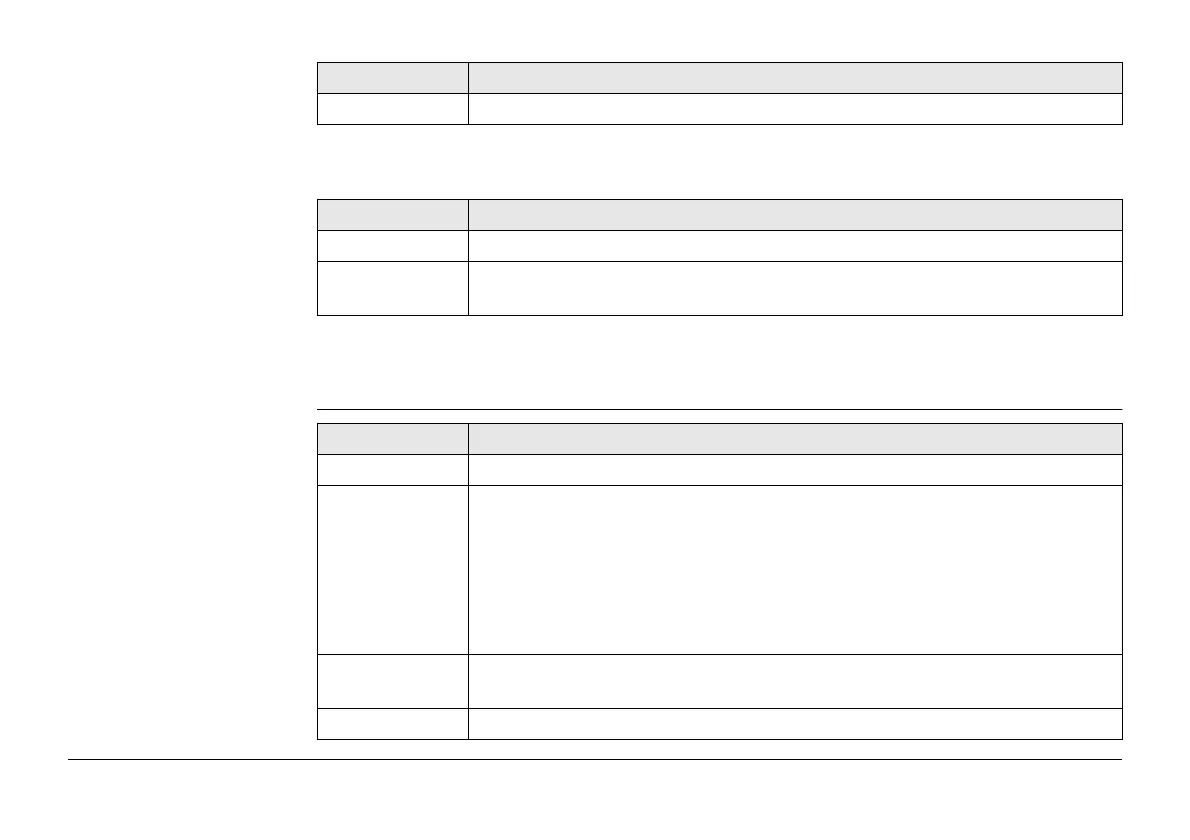
Column Description
Layer name Displays the name of all layers available for importing.
Use For Yes: The selected layer is used for the import.
For No: The selected layer is not used for the import.
Key Description
Key Description
OK To start the import.
Edit.. Available when the file to import contains stringlines.
For Road: To define the centerline and to turn lines on and off for the
highlighted layer.
For Rail: To define the external chainage centerline (optional), to define
the track centerline (mandatory), to define the left rail (optional) and to
define the right rail (optional).
)
By default, the longest stringline is set as the centreline.
Use To set Yes or No in the Use column for excluding/including the highlighted
line from/to import.
Fn Quit To exit the application.



 To Next Page