Viva Series, Instrument connections - All other connections 340
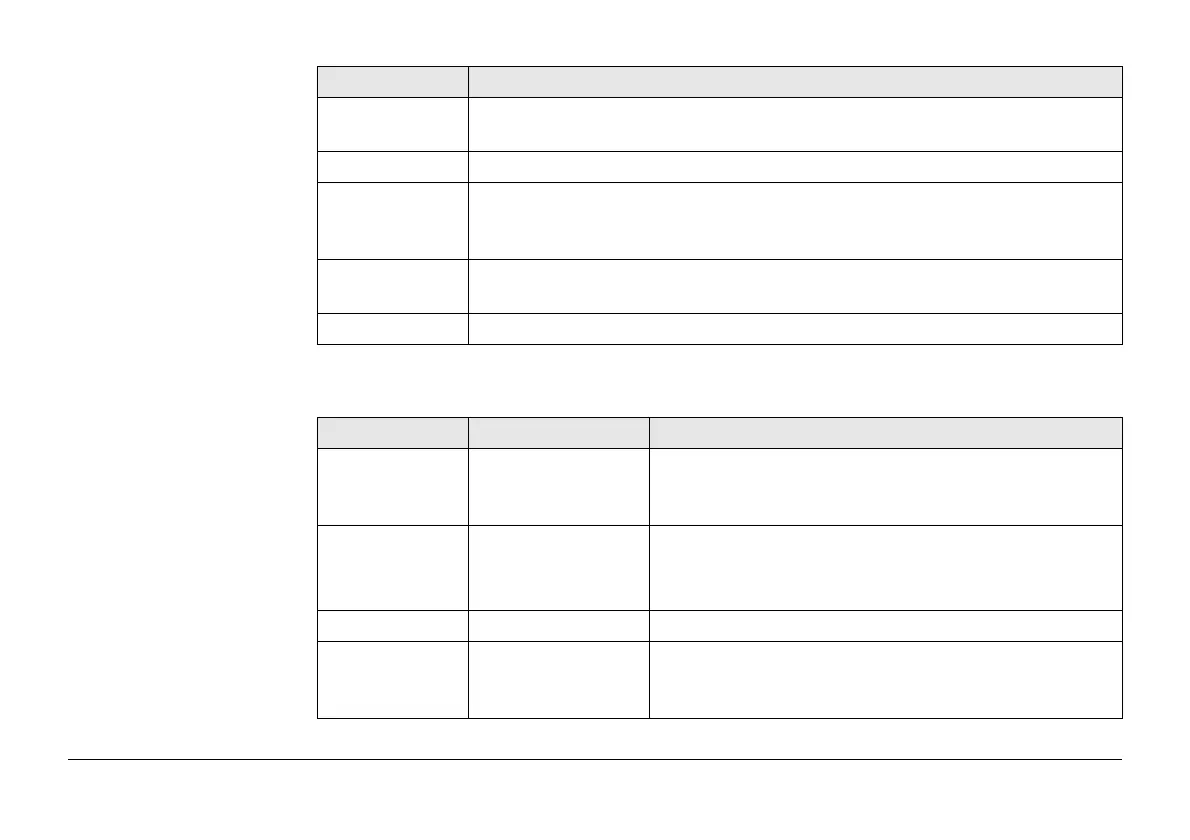
Description of fields
Key Description
OK To accept changes and return to the screen from where this screen was
accessed.
Offset.. To configure the height and external angle offsets.
Search Available when a Bluetooth port and device is selected. To search for all
available Bluetooth devices. If more than one Bluetooth device is found a
list of available devices is provided.
Devce.. To create, select, edit or delete a device. Refer to "20.2 Accessing Devices
/ GPRS Internet Devices".
Fn Quit To exit the screen.
Field Option Description
Use a device to
measure
hidden points
Check box To compute a hidden point with height. Activates the
hidden point connection. If not checked, the meas-
ured values must be entered manually.
Connect using CS Bluetooth 1 and
CS Bluetooth 2
The Bluetooth ports on the field controller which will
be used for the connection functionality.
CS RS232 port The RS232 port on the field controller.
Device Display only The name of the selected hidden point device.
Bluetooth ID Display only Available if CS Bluetooth 1 or CS Bluetooth 2 are
selected. The Bluetooth ID of the hidden point
device.


 To Next Page