Viva Series, Jobs & Data - Jobs 82
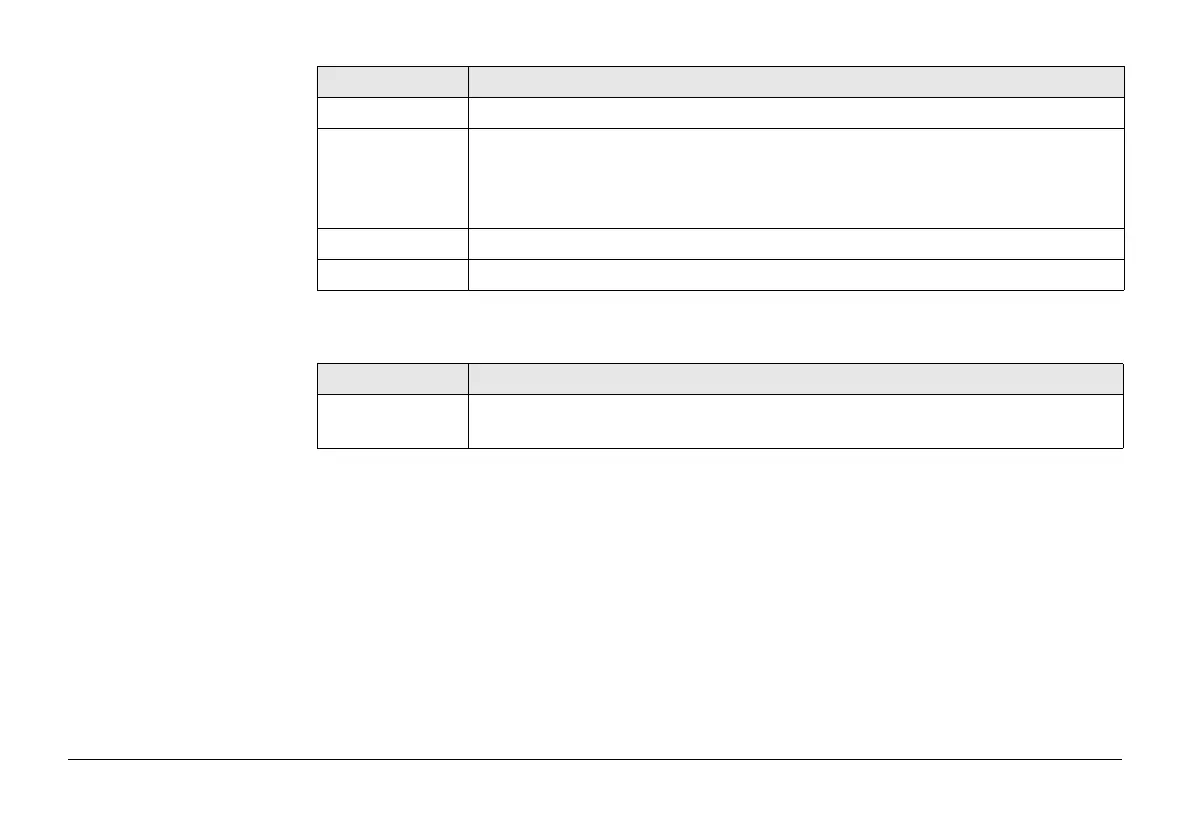
Description of columns
Key Description
Store To store the settings.
State To change between the options in the Visible column of the highlighted
layer.
)
Shapefiles are not displayed on this screen. Shape files are only
displayed in Job Properties:, CAD files page.
All To make all layers have the same state as the currently highlighted layer.
Fn Quit To exit the screen.
Column Description
Layer The name of the layer.
For dxf files, all layers are listed, no matter if the layer is filled or empty.



 To Next Page