Viva Series, COGO 845
Next step
Survey new area To survey points that do not exist in the job yet. The
points will be added to a new area.
Create new with
pts
To create a new area by selecting points from the
job.
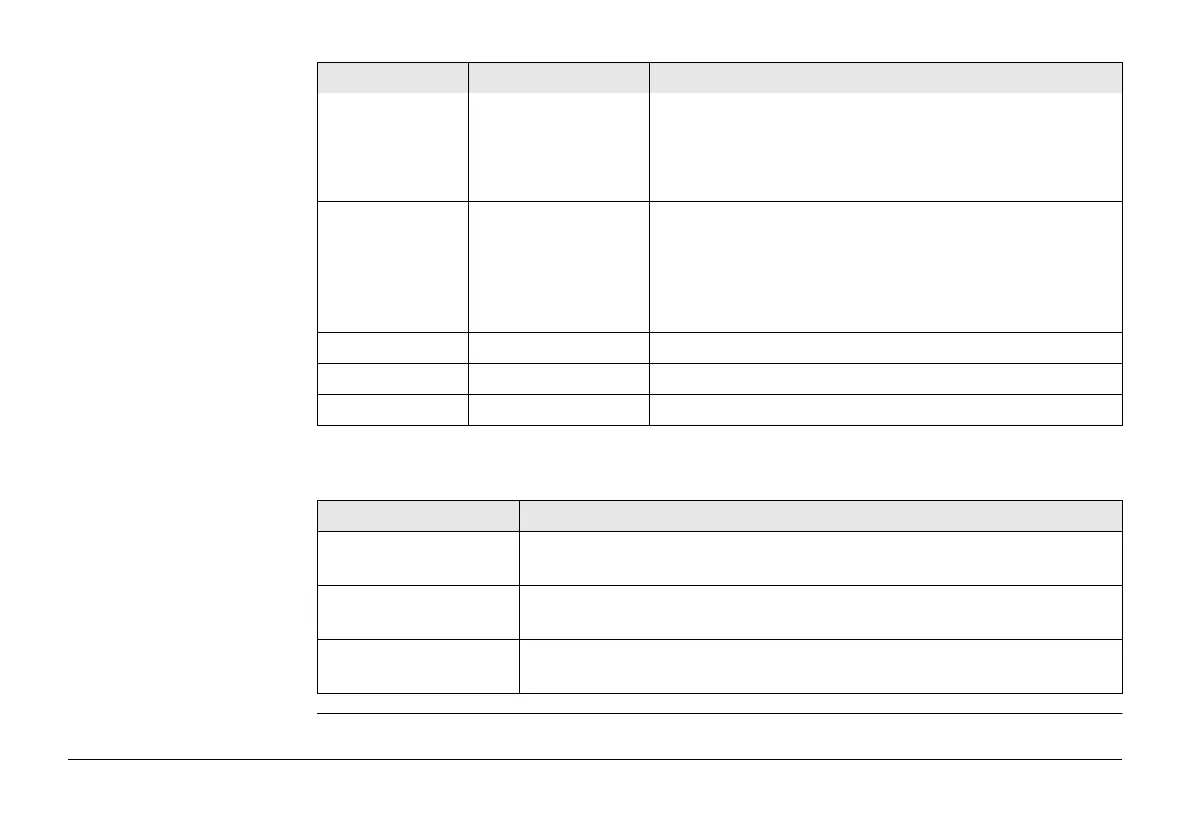
Area ID Selectable list For Area to use: Select existing area. To select the
area to be divided.
Editable field For Area to use: Survey new area and Area to use:
Create new with pts. To enter a name for the new
area.
No. of points Display only Number of points forming the area.
Area Display only The size of the selected area.
Perimeter Display only The perimeter of the area.
IF THEN
Area to use: Select
existing area
OK accesses Define How to Divide Area. Refer to "38.8.3 Dividing
an Area".
Area to use: Survey
new area
OK accesses Survey Job name. Refer to "52 Survey - General".
Area to use: Create
new with pts
OK accesses Edit Area. Refer to "6.4.3 Editing a Line/Area".
Field Option Description



 To Next Page