Viva Series, Jobs & Data - Data 93
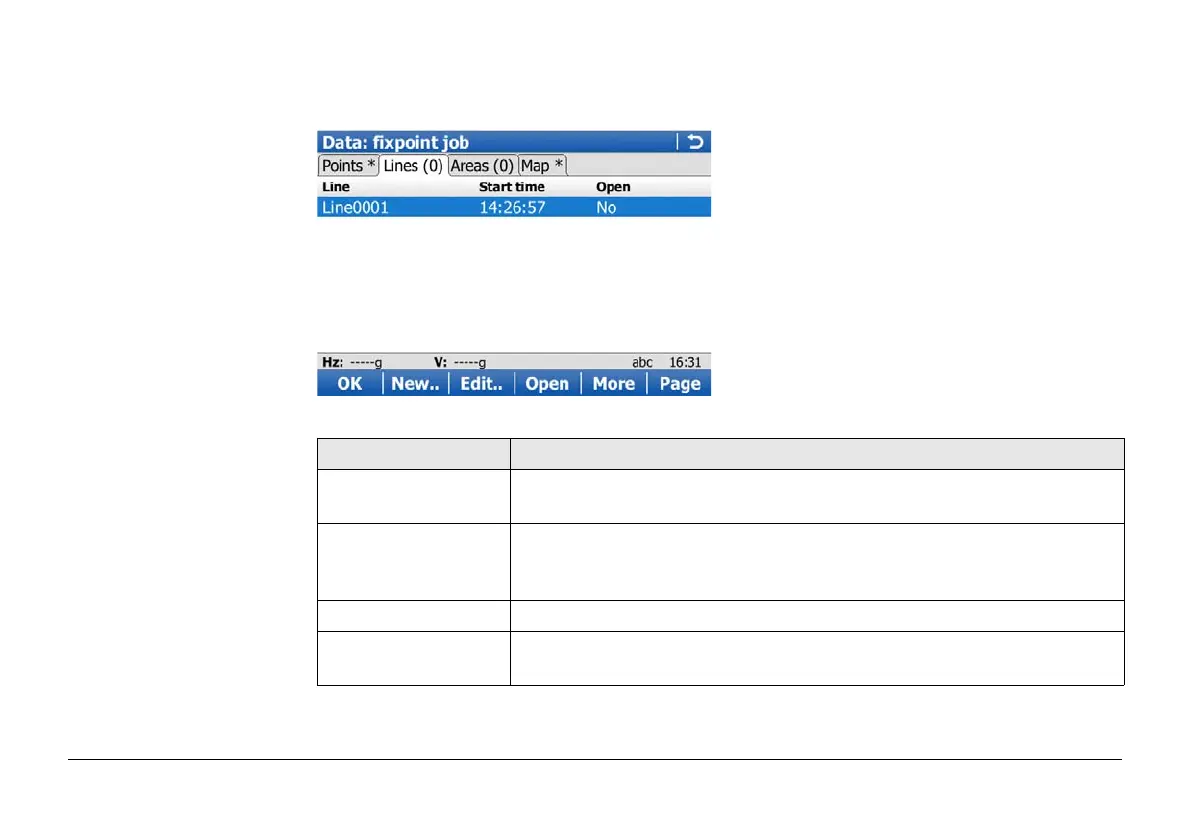
Data:,
Lines and Areas page
The explanations given for the softkeys are valid for both pages.
The number in brackets next to the name of the page indicate the number of open
lines/areas. Example: Lines (2)/Areas (2) means that two lines/areas are open.
Key Description
OK To close the screen and return to the screen from where this screen
was accessed.
New.. To create a line/area. After storing the new line/area, all existing lines
and areas which are open are closed. Refer to "6.3.1 Creating a New
Point".
Edit.. To edit the highlighted line/area.
Close and Open To change between the options in the Open column of the high-
lighted line/area. Only available for the current working job.


 To Next Page