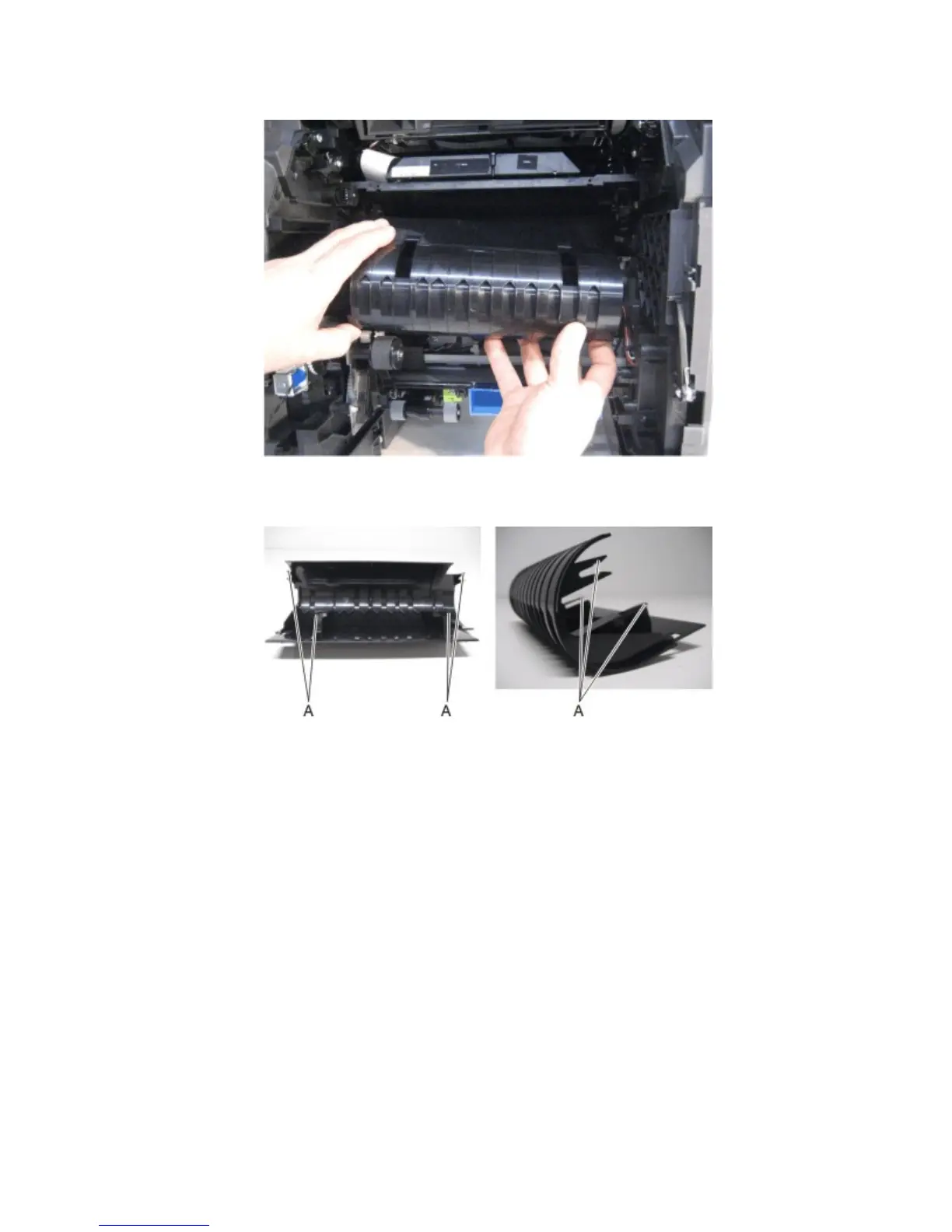
14 Remove the inner guide deflector.
Installation warning: Ensure that the four retention hooks (A) on the inner guide deflector are properly
reattached.
Laser printhead removal
Installation note: When replacing the laser printhead, ensure that the proper adjustments are made. For more
information, go to “Media aligner roller adjustment” on page 269.
1 Open the control panel door.
2 Remove the toner cartridge.
4063
Repair information
286



 To Next Page