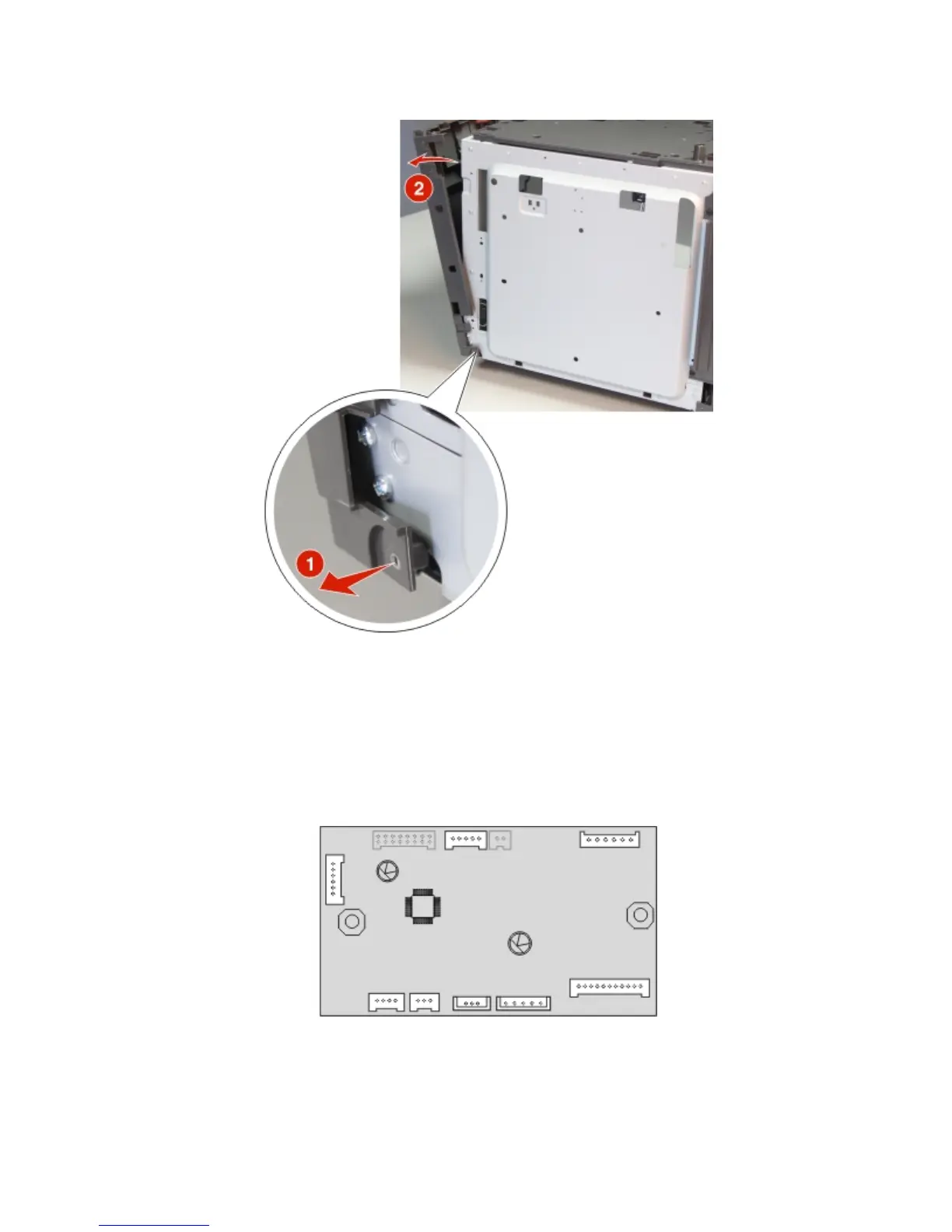
5 Pull the tab to release, then remove the right cover.
HCIT controller PCBA removal
1 Remove the drawer assembly rear cover. See “HCIT drawer assembly rear cover removal” on page 419.
2 Remove the drawer assembly left cover. See “HCIT drawer assembly left cover removal” on page 420.
3 Disconnect all the cables (J3, J5, J11, J10, J9, J8, J7 and J1) from the controller PCBA, then remove the two screws
(A).
4063
Repair information
424



 To Next Page